How Do Accountants Use Excel Shortcuts on Mac?
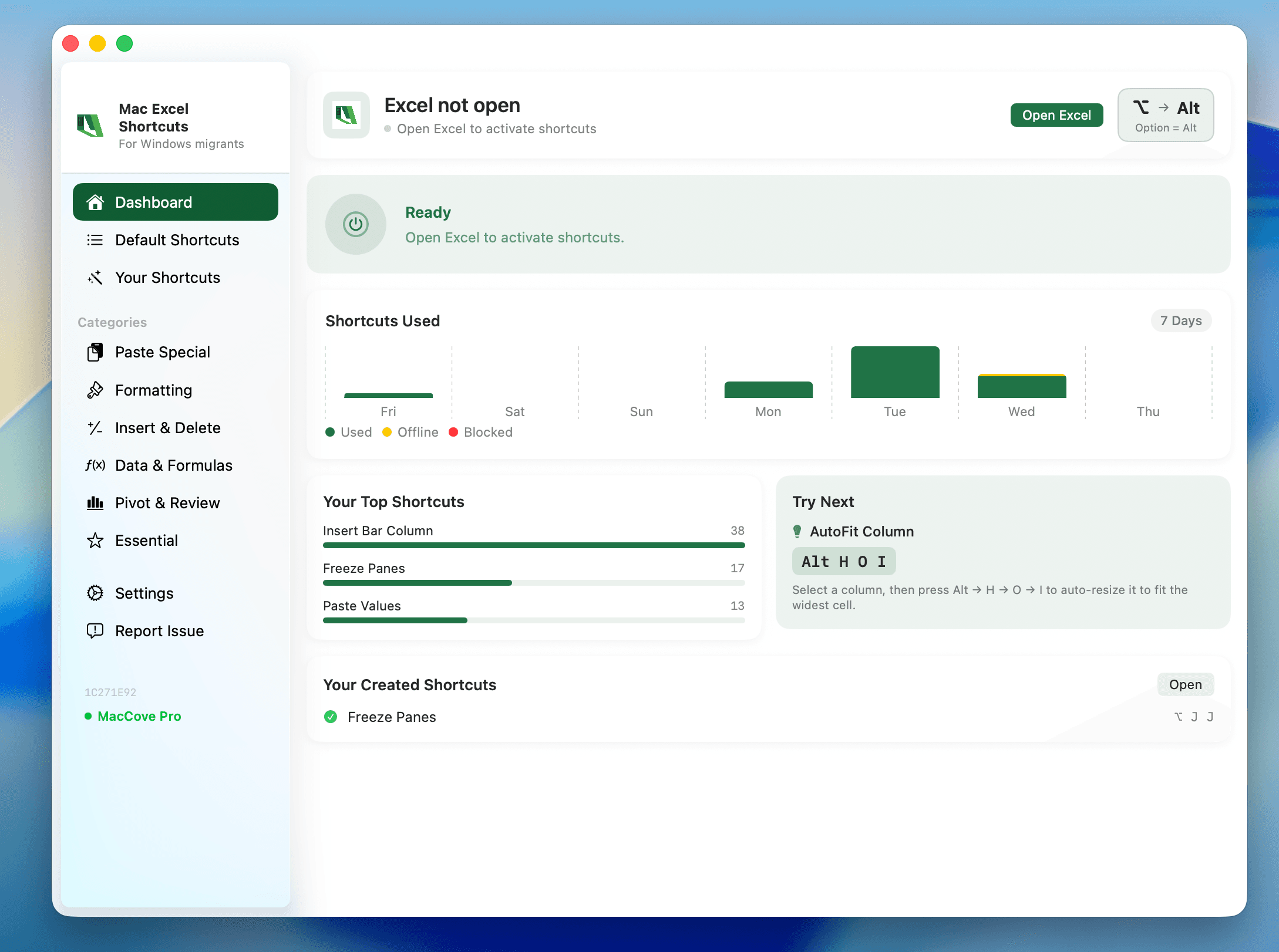
Quick Answer: On Mac, most accounting workflows (formula auditing, formatting for reports, reconciliation) work identically to Windows Excel — you just swap Ctrl for Cmd in most cases. The exceptions to memorize: number-format shortcuts (Ctrl+Shift+1/4/5, etc.) still use Control, not Cmd, and Insert/Delete rows use Control+I / Control+K instead of the Windows Ctrl+Plus/Minus. Mac Excel Shortcuts app remaps these automatically so your muscle memory from Windows keeps working. Mac Excel Shortcuts app remaps these automatically, including Remove Duplicates, which has no default keyboard shortcut on either platform.
User problem
You've spent years building reconciliations, tie-outs, and month-end close workbooks with a specific keyboard rhythm on Windows. You switch to a Mac and half of that rhythm breaks: some shortcuts use Cmd, some stubbornly still use Control, and a few don't exist at all.
What this guide covers
A practical shortcut map for the workflows accountants actually run all day: building and auditing formulas, formatting numbers for reports, and reconciling data between sheets or workbooks. Not a full shortcut dump — see the keyboard shortcuts reference linked below for that.
When to use it
Month-end / year-end close
Building or reviewing bank/account reconciliations
Formatting financial statements or client-facing reports
Auditing formulas for errors before sign-off
Prerequisites
Excel for Mac (365 or 2021+ recommended)
A full-size keyboard or awareness that F-keys need
fnon MacBook keyboardsOptional: Mac Excel Shortcuts app installed
Method 1: Ribbon
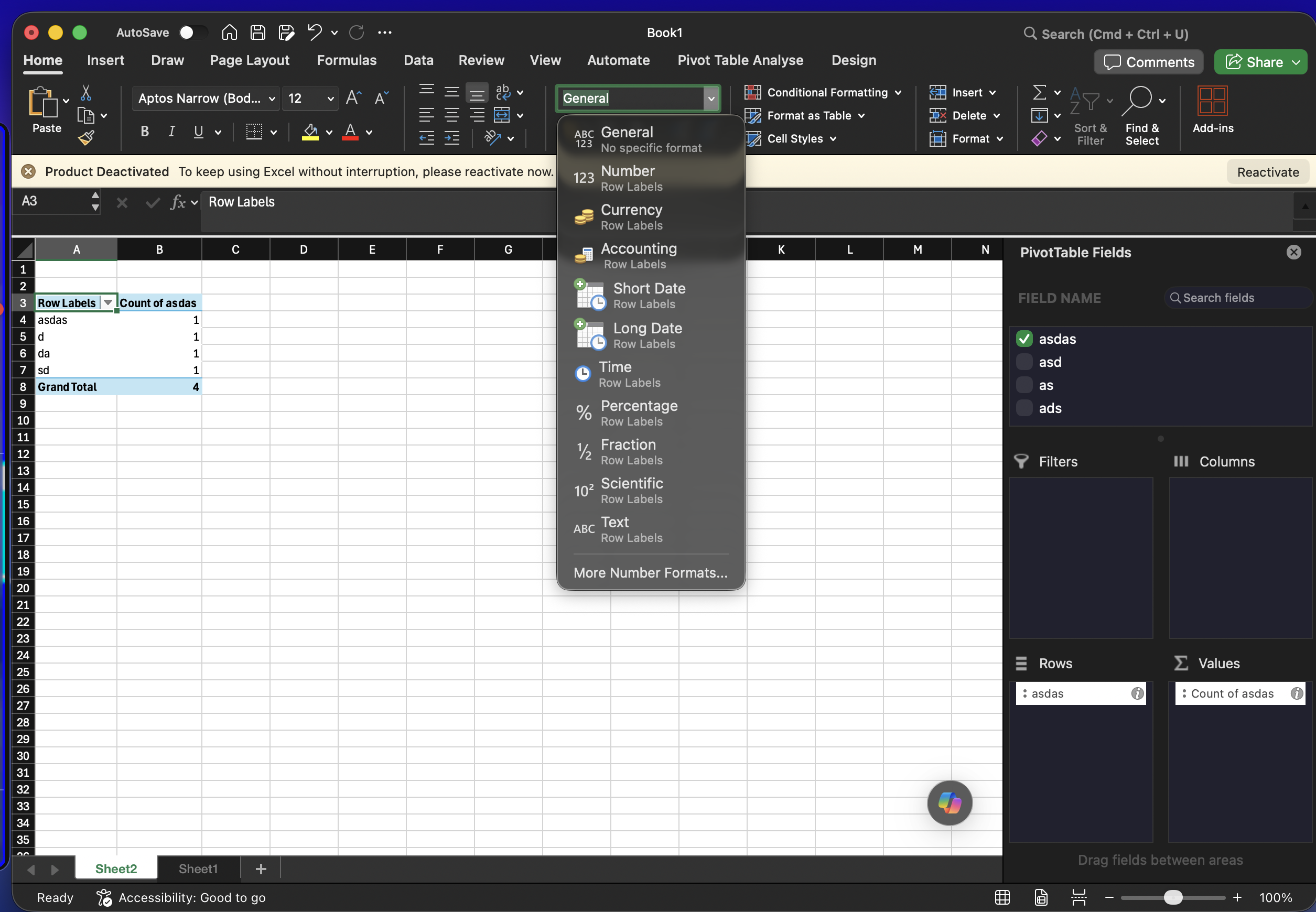
The Mac ribbon mirrors Windows closely. Home has your number formats and cell styles. Formulas tab has Show Formulas, Trace Precedents/Dependents, and the Watch Window, all in the same place as Windows.
Method 2: Menus
Right-click (or Control+click on a trackpad) any cell for the same contextual menu as Windows — Format Cells, Insert, Delete, Paste Special all live here.
Method 3: Native keyboard shortcuts
Formulas & auditing
Edit active cell:
Fn+F2Toggle formula view:
Control+`— stays on Control, a legacy exceptionAutoSum:
Shift+Cmd+T
Number formatting (the big Windows-vs-Mac gotcha)
Format Cells dialog:
Cmd+1Currency format:
Control+Shift+4Percentage format:
Control+Shift+5Comma/thousands format:
Control+Shift+!
Why do number-format shortcuts stay on Control instead of Cmd? Microsoft carried these over directly from Windows because they map to the symbol printed on the key (Shift+4 = $), and remapping to Cmd would've broken that visual logic.
Navigation & selection
Jump to last used cell:
Cmd+EndSelect entire column:
Control+Space(Cmd+Space is Spotlight)Insert row/column:
Control+IDelete row/column:
Control+K
Method 4: Mouse workflow
For reconciliations, use Window → Arrange All → Side by Side, then View → Freeze Panes to lock header rows before scrolling through hundreds of transaction lines.
Method 5: Maccove workflow
This is exactly the friction Mac Excel Shortcuts app is built for: it detects the Windows-style shortcut you instinctively type and routes it to the correct Mac equivalent.
Real-world example
You're tying out a bank reconciliation: book balance in column D, bank statement balance in column F, variance formula in column H. Workflow: Cmd+Home to jump to the top, Control+Shift+4 to currency-format the balance columns, Cmd+1 to set negative variances to show in red parentheses, then Control+` to toggle formula view and confirm every variance cell references the right rows.
Common mistakes
Trying
Cmd+1for currency format — that's Format Cells, not currency (Control+Shift+4).Expecting Alt-key menu navigation to work — use
Control+Cmd+Vfor Paste Special instead.Forgetting
fnis required for F-keys like F2 and F9.
FAQs
Why do some Mac Excel shortcuts still use Control instead of Cmd?
Legacy number-format and formula-auditing shortcuts were mapped straight from Windows to preserve the symbol logic on the keyboard.
Do these shortcuts work in Excel Online on Mac?
Mostly, but some formula-auditing ones differ or aren't supported in the browser version.