








What Is the Alt Key Equivalent on a Mac?
The Alt key's Mac equivalent is the Option (⌥) key — but many Windows shortcuts really map to Command (⌘) or Control (⌃). Here's the full mapping, plus how to run Alt-key Excel sequences on a Mac.
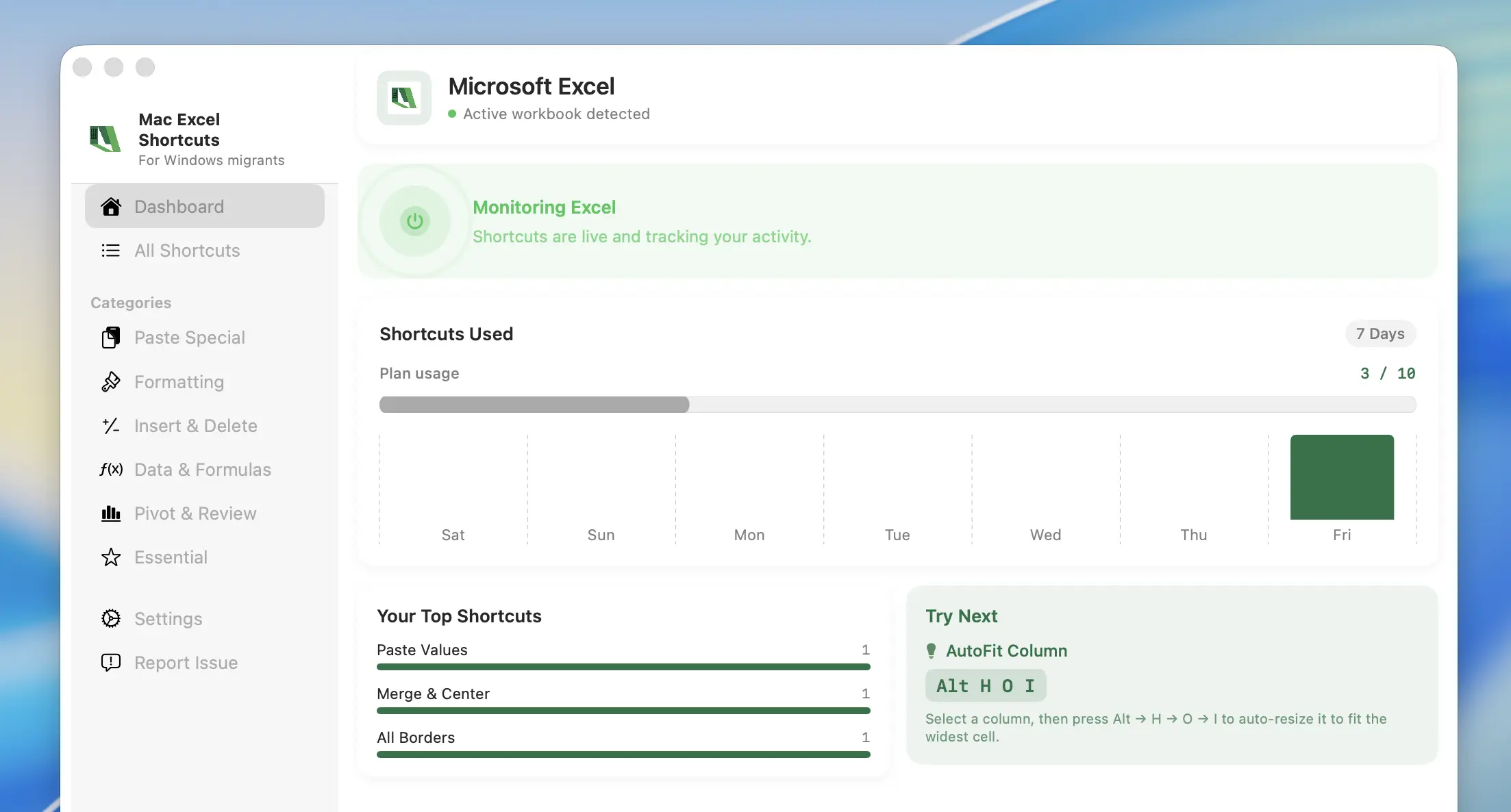
Read morePaste Special, AutoSum, Fill Down and every Alt ribbon sequence — the muscle memory you built on Windows, working for real inside Excel for Mac. No Parallels, no Boot Camp, no VM.
Free trial · no account needed · ~60 seconds to set up
Get started with the Mac Excel Shortcuts app in three simple steps. From download to full automation in under 1 minute.
Every habit below is one you keep from Windows — hands on the keys, mouse untouched, the way you have always worked.
across huge reporting workbooks, filter and drill into pivot tables mid-conversation, and review live dashboards at the same speed you had on Windows —
without ever reaching for the mouse.
~7 hrs/month savedbetween relative and absolute references without breaking flow, audit formulas and trace precedents in seconds, then reformat an entire statement
minutes before the deadline.
~9 hrs/month savedup a messy handoff workbook in seconds, apply consistent number and currency formats across a whole sheet, and copy formatting only —
no slow ribbon crawl.
~5 hrs/month savedthe muscle memory you built on Windows — no retraining your hands, no second-guessing a keystroke, every saved second compounding
across your whole working day.
~7 hrs/month saved*Estimate based on typical power-user Excel workflows over a 22-day working month and the number of ribbon/menu trips a Windows shortcut replaces — actual time saved depends on how you use Excel.
Anyone who spent years in Excel on Windows and doesn't want to lose that speed on a Mac.

The shapeshifters who walk into any client’s office and make their numbers make sense — same keys on every machine, zero relearning.

The one-person finance teams — building the model, the deck and the roadmap before lunch, every keystroke earned.

The warriors who turn raw rows in Excel into the insights everyone else builds their decisions on.

The operators running invoicing, inventory and payroll solo — Excel stays fast, so the business keeps moving.
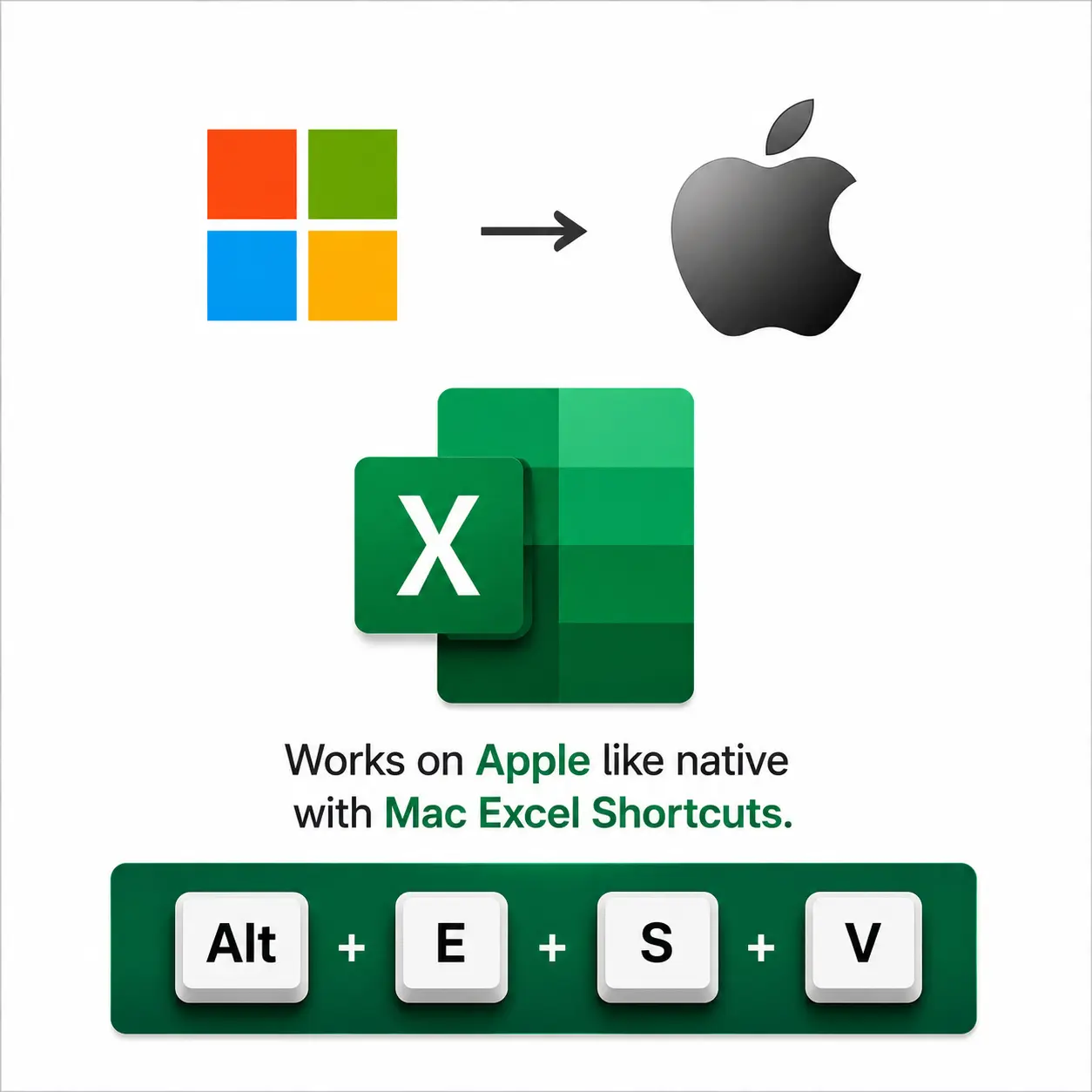
Running a virtual machine or dual-booting Windows just to use Excel shortcuts is overkill. Mac Excel Shortcuts app gets you there without the overhead.
| Feature | Mac Excel Shortcuts app | Parallels Desktop | Boot Camp |
|---|---|---|---|
| Runs natively on macOS | Runs a full Windows VM | Boots into Windows instead | |
| Windows license required | None | Yes, extra cost | Yes, extra cost |
| RAM & disk overhead | Minimal — no VM | 4–8GB+ RAM, 60GB+ disk | 60GB+ dedicated partition |
| Switch between Mac apps & Excel instantly | Partial — still a VM under the hood | No — full reboot required | |
| Setup required | None — install & go | Install hypervisor + Windows + Office | Partition drive + install Windows + Office |
| Price | $49 one-time or $4.99/mo | Subscription + Windows license | Free app, but needs Windows + Office license |
| Get it now | — | — |
Feature availability compared as of this page's last update — check each vendor's site for current details.
Excel on Mac remaps almost every shortcut you know. Here's what changes by default — and what Mac Excel Shortcuts app gives back to you.
| Action | Windows shortcut | Native Excel on Mac | With Mac Excel Shortcuts app |
|---|---|---|---|
| Paste Special | Alt+E+S+V | ⌃+⌘+V | Same as Windows |
| AutoSum | Alt+= | ⇧+⌘+T | Same as Windows |
| Fill Down | Ctrl+D | ⌘+D | Same as Windows |
| Freeze Panes | Alt+W+F+F | View menu only | Same as Windows |
| Toggle Filter | Ctrl+Shift+L | ⌘+Shift+L | Same as Windows |
| Sort A to Z | Alt+A+S+A | Data menu only | Same as Windows |
| Data Validation | Alt+A+V+V | Data menu only | Same as Windows |
| Insert Row | Alt+H+I+R | Home menu only | Same as Windows |
Generic remapping tools move key presses around. Mac Excel Shortcuts app understands Excel.
| Feature | Mac Excel Shortcuts app | Karabiner-Elements | BetterTouchTool | Keyboard Maestro |
|---|---|---|---|---|
| Excel-native shortcuts, out of the box | ||||
| Multi-key Access Key sequences (Alt,E,S,V) | Possible with manual macros | |||
| Setup required | None — install & go | Manual key-map config | Manual app-specific config | Manual macro building |
| Free trial | 7 days free | Free & open source | ||
| Get it now | — | — | — |
Feature availability compared as of this page's last update — check each vendor's site for current details.
Your usage data never leaves your device.
Everything you need to know about Mac Excel Shortcuts app. Can't find what you're looking for? Reach out to our team — we're happy to help.
Brands we partner with and recommend to the MacCove community.
Curated accessories our community actually uses alongside their MacBook, available in India.
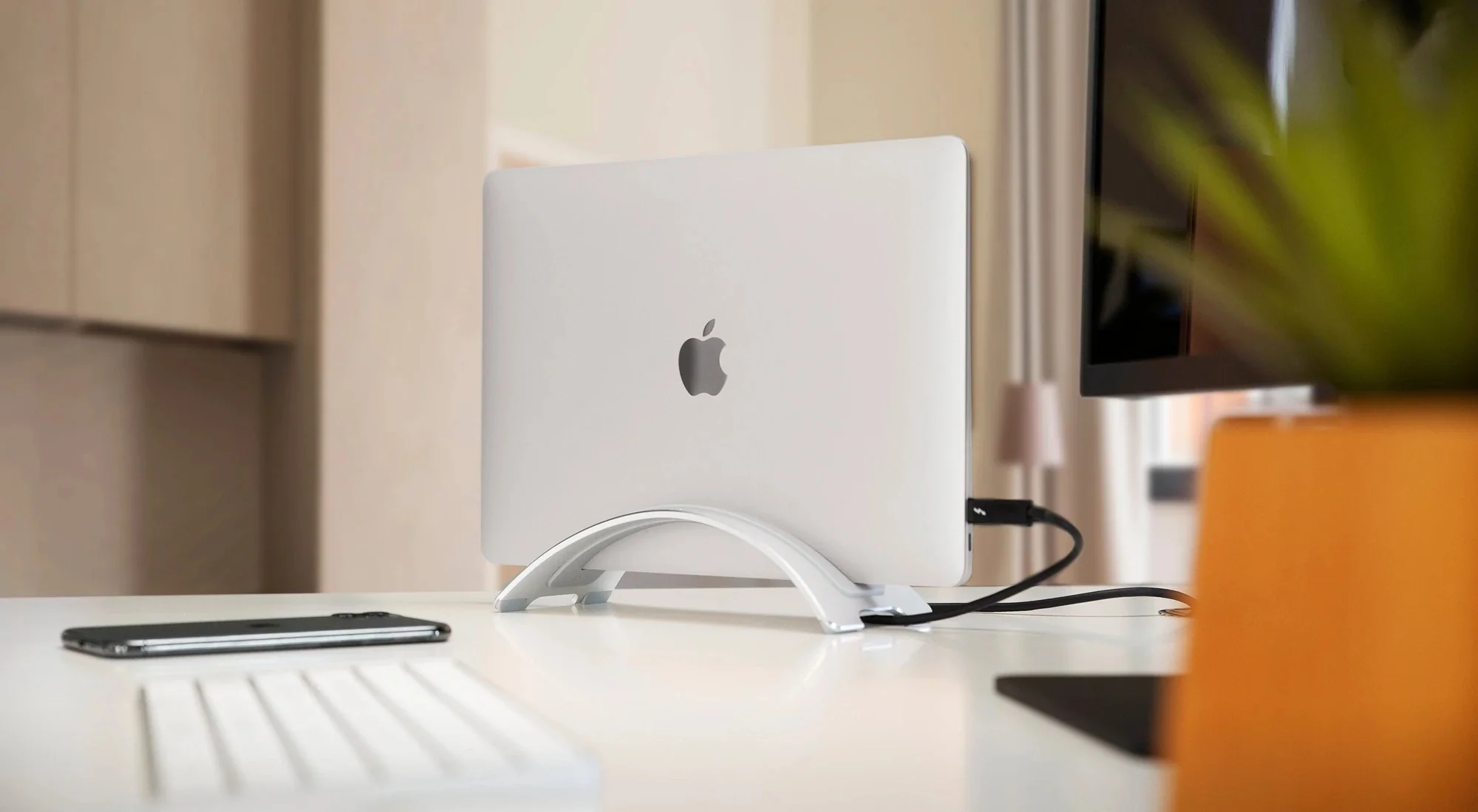 Displays & Stands
Twelve South BookArc Space-Saving MacBook Stand
Shop now Dock & Hubs
Wozoyo Type C 14-in-1 Docking Station, Series 1
Shop now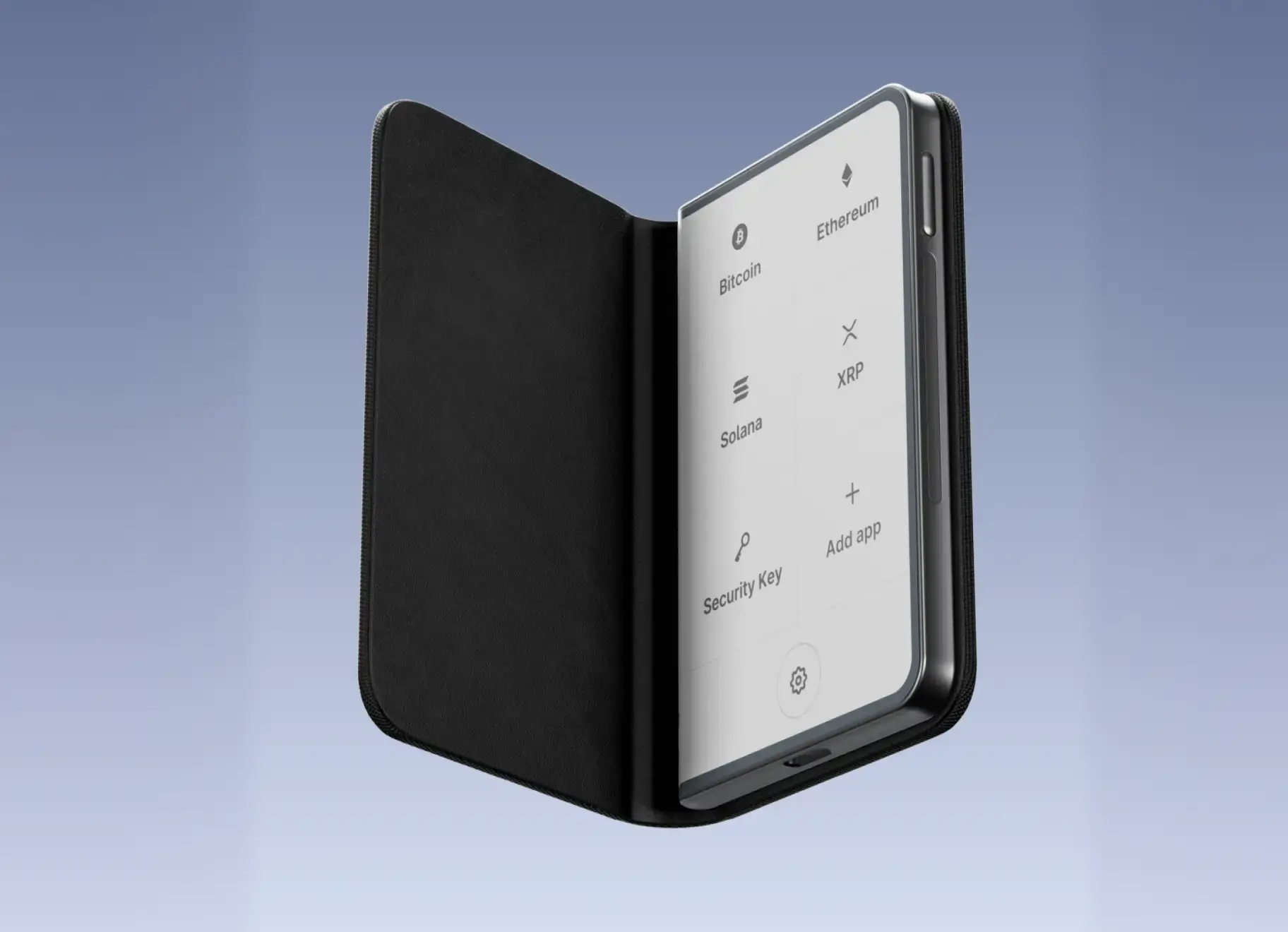 Other
OtherLedger STAX - Premium Touchscreen Signer for Secure Crypto Management
Shop now Charging & Power
UGREEN 300W 48,000mAh Portable Charger Power Bank with Smart Digital Display, Lighting and SOS Mode, 153Wh 5 Ports USB C Battery Pack
Shop nowTips, tutorials, and updates from the MacCove team to help you get the most out of your automation.
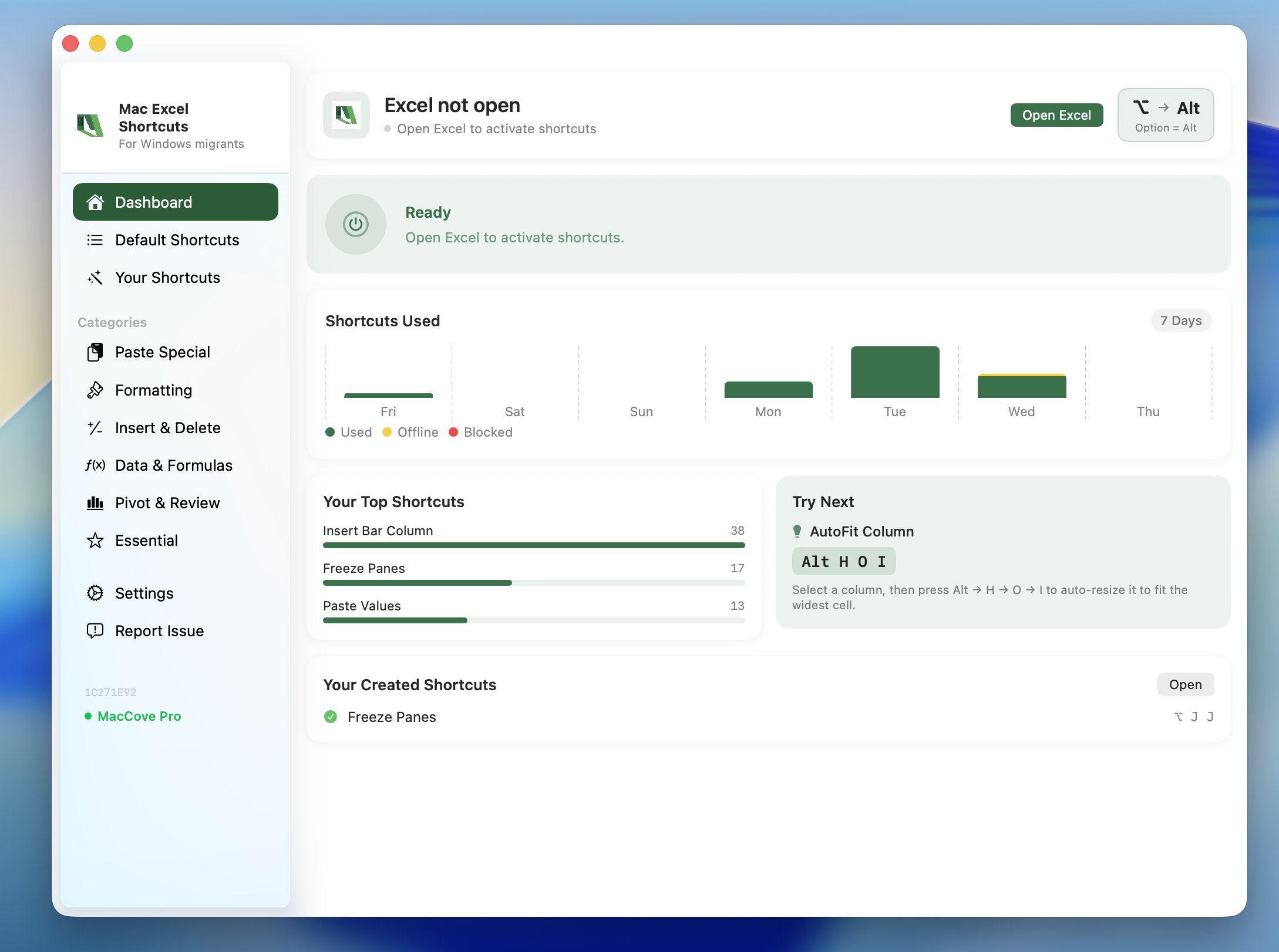
The Alt key's Mac equivalent is the Option (⌥) key — but many Windows shortcuts really map to Command (⌘) or Control (⌃). Here's the full mapping, plus how to run Alt-key Excel sequences on a Mac.
Read moreAlt and Option are the same physical key on a Mac — Apple just uses two names. Here's why, what the ⌥ symbol means, and when Option does not behave like the Windows Alt key.
Read moreAlt+Tab on a Mac is ⌘Tab — but it switches applications, not windows. Here is how to cycle windows, switch within one app, and get closer to true Alt+Tab behaviour.
Read more