Excel Speedster Challenge
How fast are your Excel shortcuts?
Five shortcuts. One shot. See where you rank against everyone else.
0tests taken
—average completion time
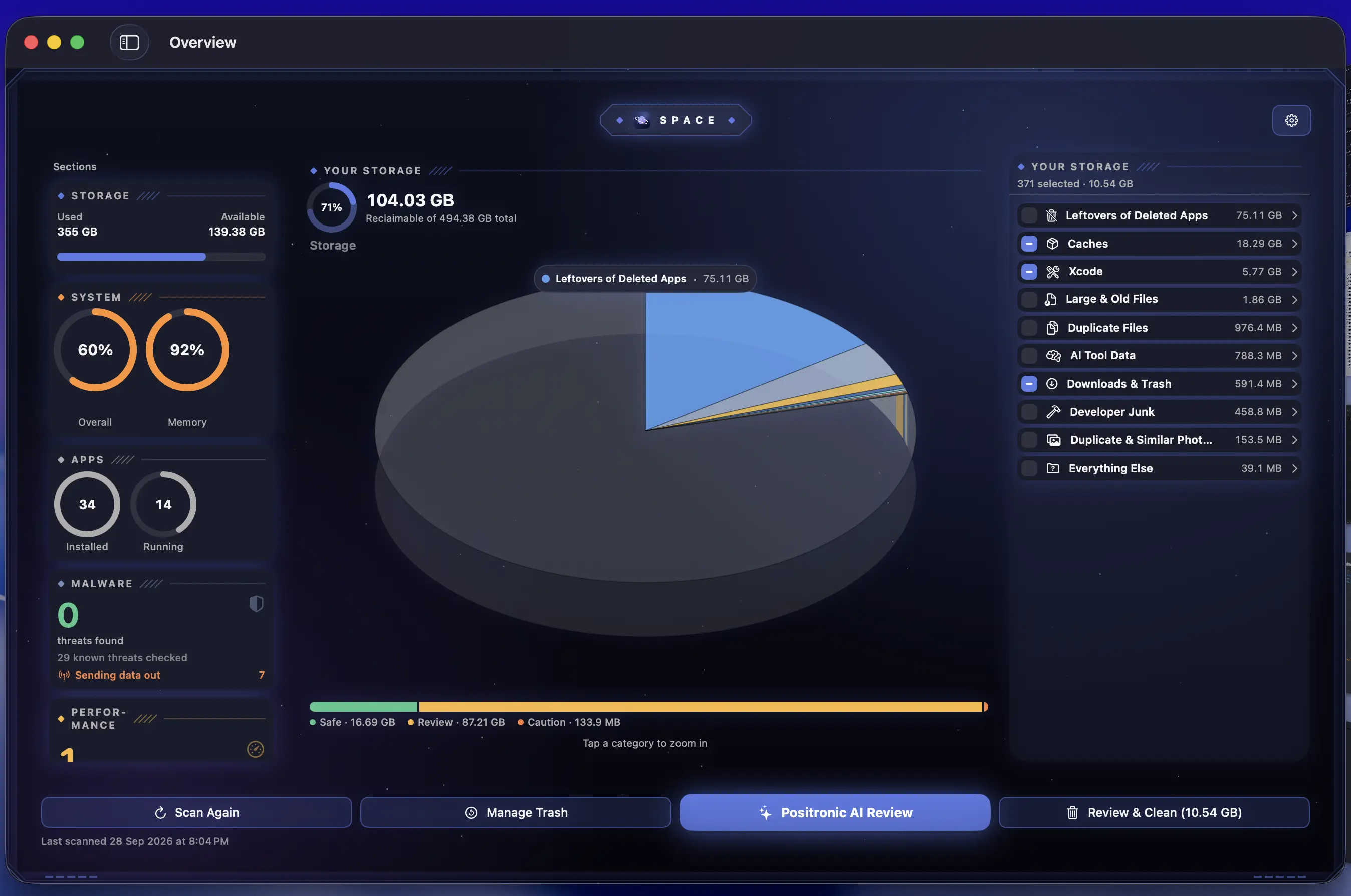
Using a Mac? Our apps can make your Mac feel faster.

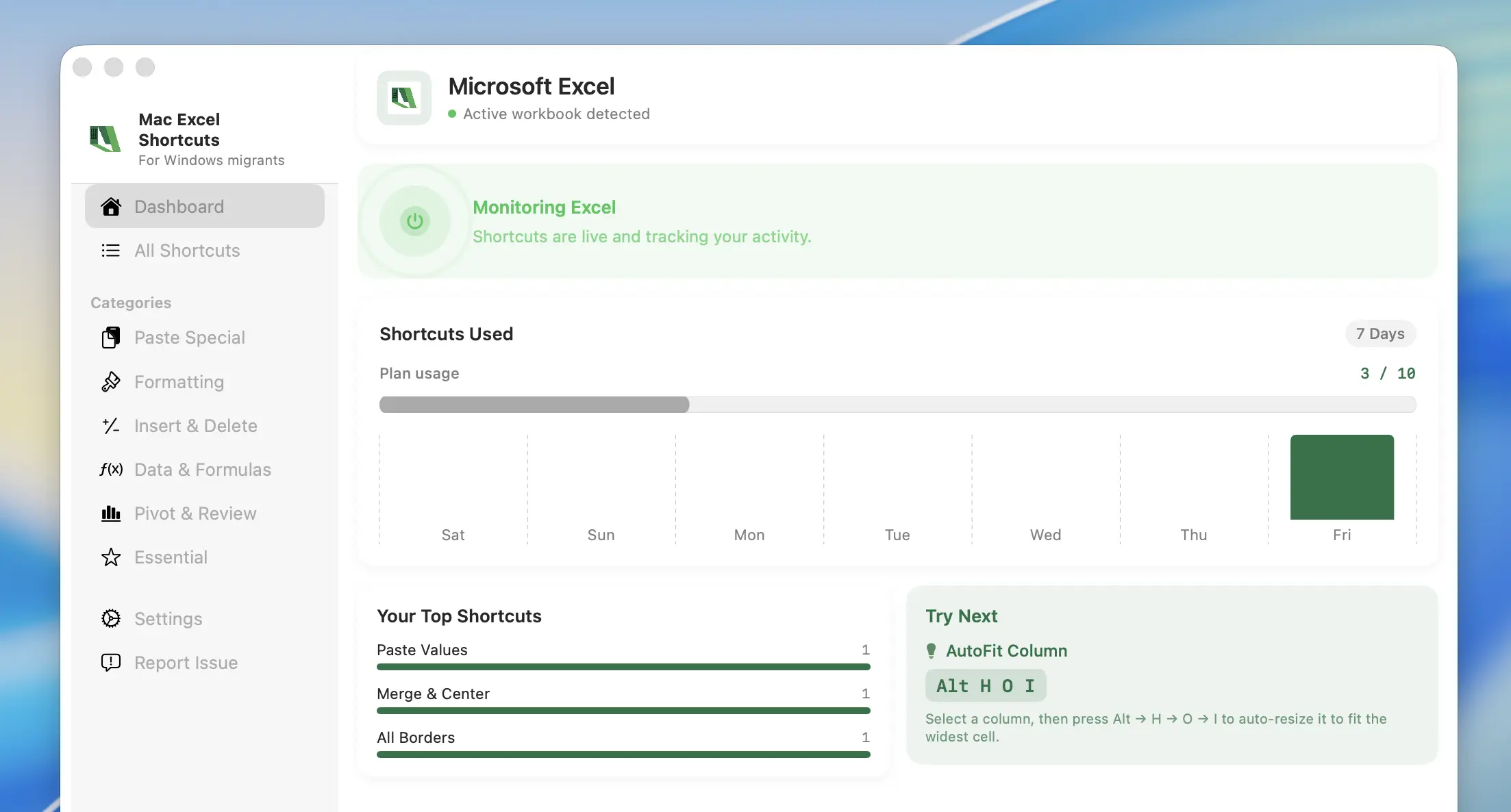
Mac Excel Shortcuts
ProductivityFor Windows-to-Mac migrators. Every Windows Excel ribbon shortcut — Alt H V V, Alt A S S, all of them — running natively inside Excel on your Mac. No relearning, no VM, no mouse.

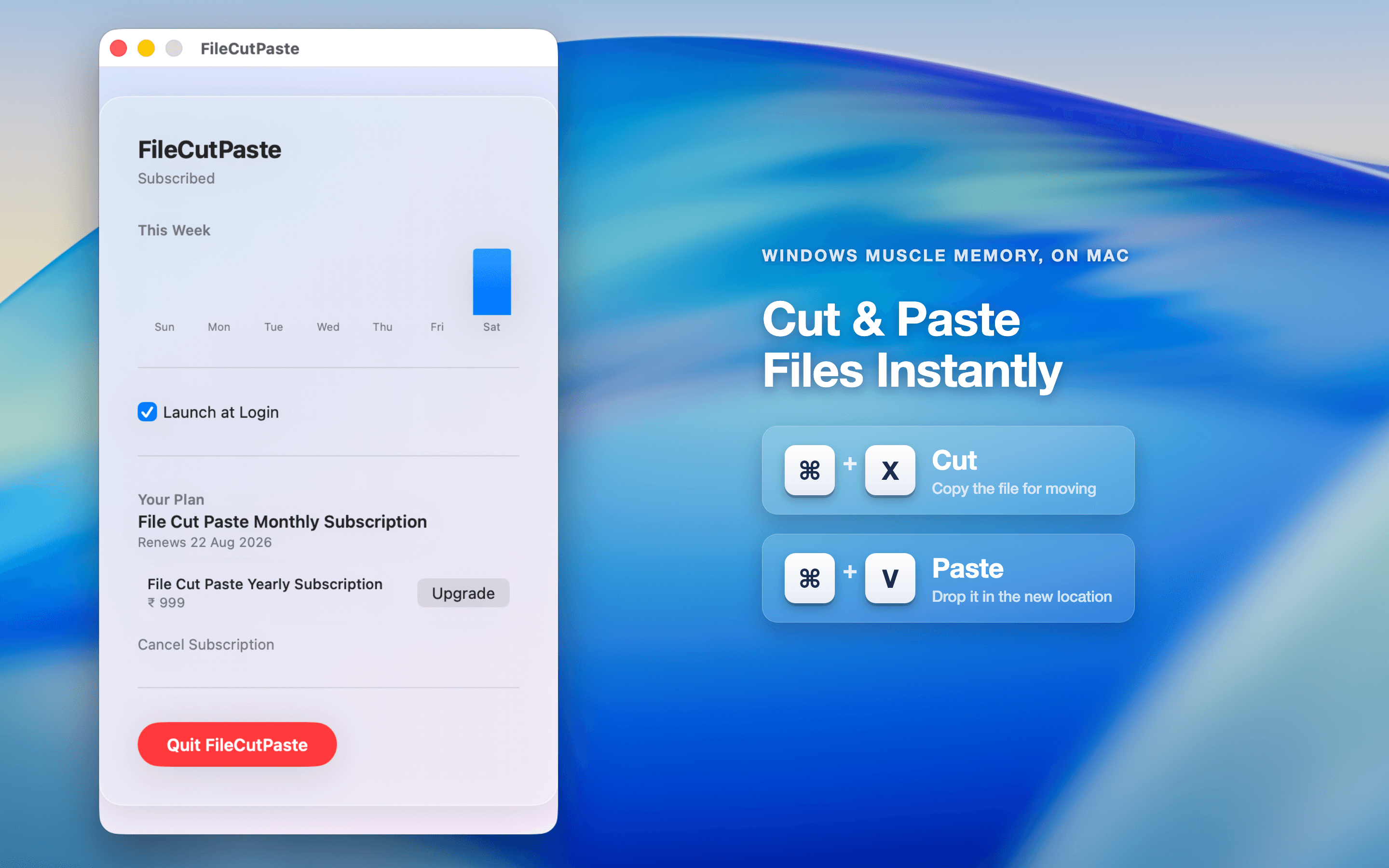
File Cut Paste App
UtilitiesFor everyone who misses ⌘X on files. macOS Finder still will not let you cut a file and paste it elsewhere — File Cut Paste App brings the move-with-cut-and-paste flow back to the Mac.

What is a ribbon shortcut?
The Alt-key sequences that walk Excel's ribbon menu one letter at a time. Learn to read them and you never touch the mouse in Excel again.
Questions about the Excel Speedster Challenge
Five real Excel ribbon shortcuts, drawn at random. Each shows up as a plain-English action ("Paste values", "Wrap text") and you type the Windows key sequence as fast as you can.
Total wall-clock time across all five questions. Every hint adds 10 seconds; every skip adds 20 seconds and throws you a fresh question without marking the old one done.
No — anyone can take the test. You only sign in with Google at the end to see your percentile rank, save the result, and get a shareable stats page.
A head-to-head race. You and a friend both sign in, get the same five shortcuts, and whoever answers each one correctly first wins that question. Both players get a shareable result card.
The Windows-style ribbon sequences (Alt, then H, then V…). That is the whole point of Mac Excel Shortcuts — keeping the keystrokes you already know when you move to a Mac.
Real runs rank on merit. While the game is new we seed a baseline of times so the board is not empty and show a rolling feed of recent finishers — real results always climb above the baseline on their own speed.