How to Cut and Paste a File on a MacBook
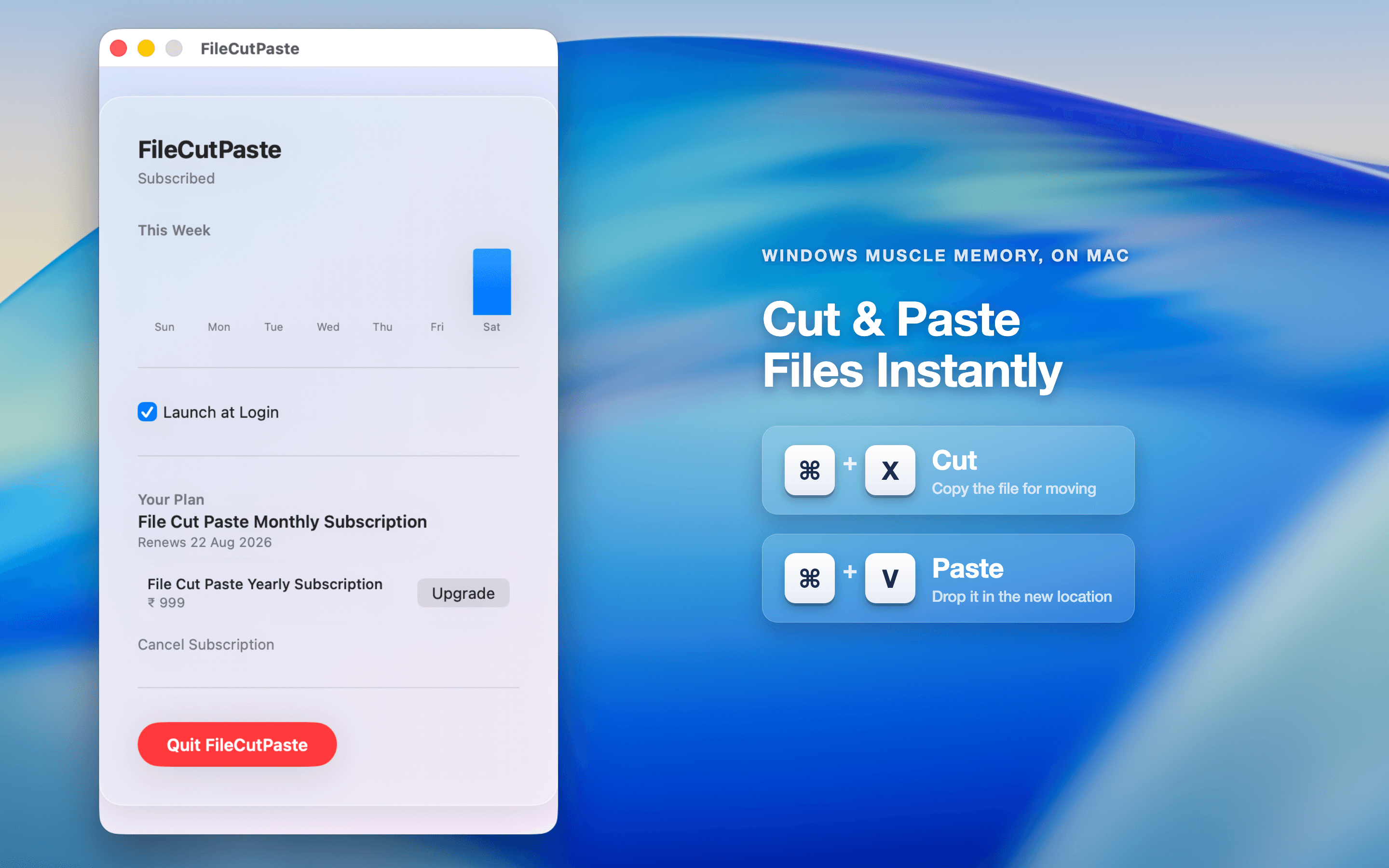
On a Mac, Cmd-X does not cut files in Finder. Use Cmd-C then Cmd-Option-V to move a file, or add a real Cmd-X / Cmd-V cut and paste with FileCutPaste.
Read moreFinally, a working ⌘X for Finder. Cut a file, navigate anywhere, then ⌘V to drop it in its new home — the muscle memory you already have from Windows, native to macOS.

Three steps, and you never have to relearn how to move a file on Mac again.
Your files never leave your Mac.
5 cuts per day, free forever. Need more? Go unlimited for $1.99/month or $9.99/year, managed entirely through the App Store.
Guides and tips for moving files on your Mac the way you did on Windows.
Have a question, a bug to report, or feedback on FileCutPaste? We read every email.
support@maccove.com