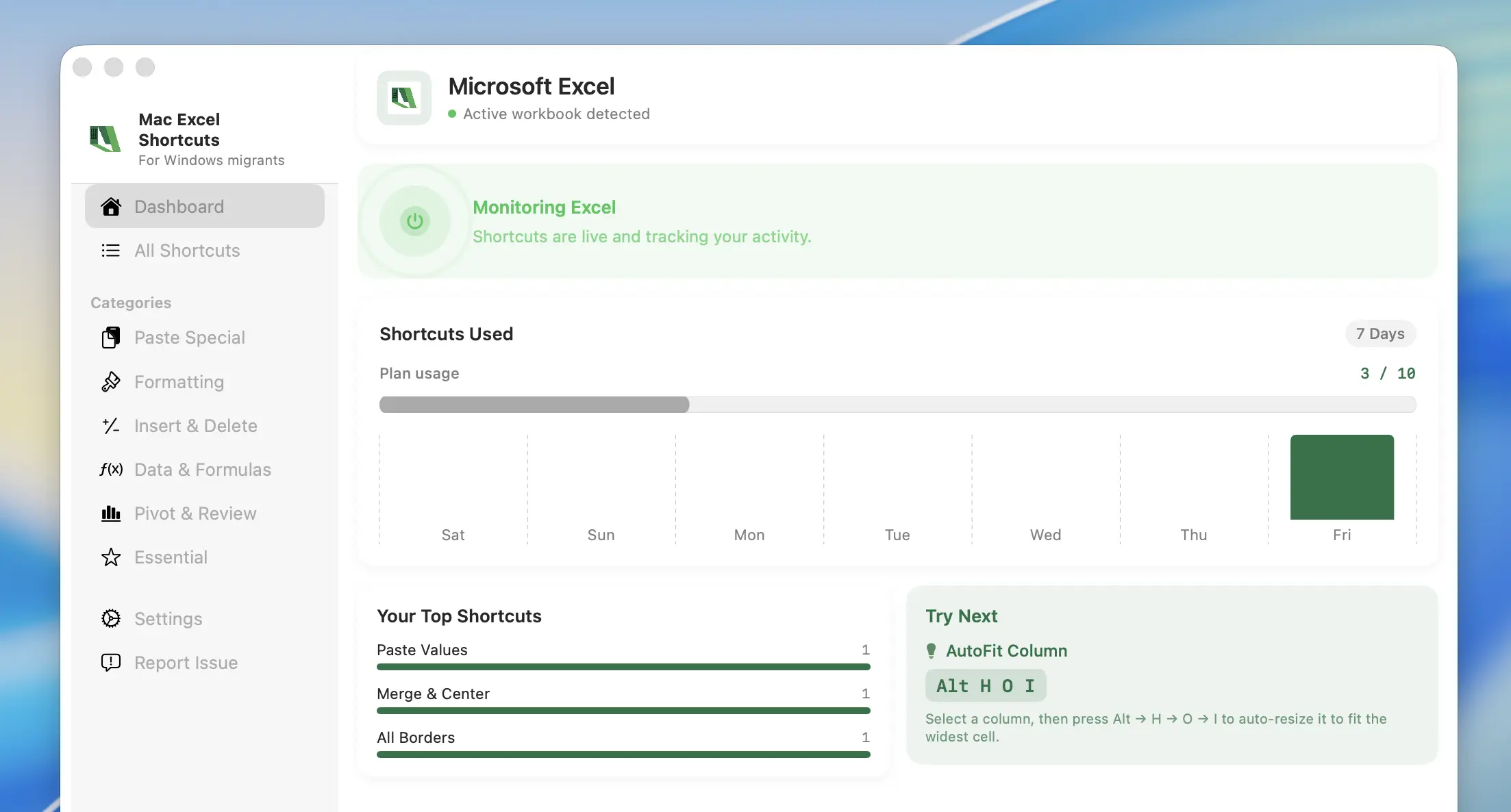
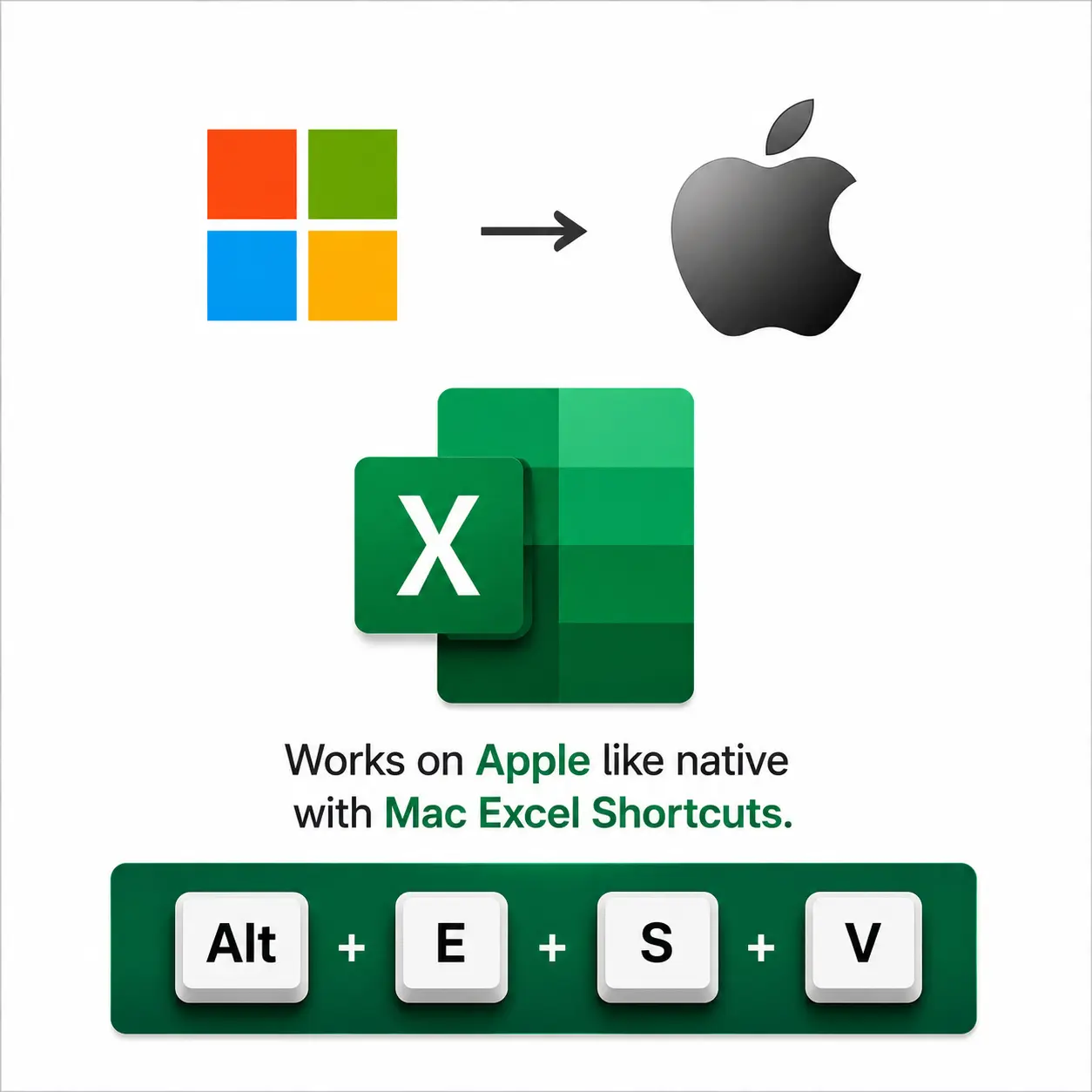
Running Parallels or Boot Camp just so AltESV and your other Windows Excel shortcuts work? Mac Excel Shortcuts app gives you the same shortcuts inside native Excel for Mac — no virtual machine, no reboot, no extra Windows license.
Free trial · no account needed · ~60 seconds to set up
Mac Excel Shortcuts app vs. Parallels vs. Boot Camp
Running a virtual machine or dual-booting Windows just to use Excel shortcuts is overkill. Mac Excel Shortcuts app gets you there without the overhead.
No VM, no reboot, no Windows license. Parallels and Boot Camp make Excel work by running Windows itself — Mac Excel Shortcuts app makes Excel work by staying native to macOS.
Feature
Mac Excel Shortcuts app
Parallels Desktop
Boot Camp
Runs natively on macOS
Runs a full Windows VM
Boots into Windows instead
Windows license required
None
Yes, extra cost
Yes, extra cost
RAM & disk overhead
Minimal — no VM
4–8GB+ RAM, 60GB+ disk
60GB+ dedicated partition
Switch between Mac apps & Excel instantly
Partial — still a VM under the hood
No — full reboot required
Setup required
None — install & go
Install hypervisor + Windows + Office
Partition drive + install Windows + Office
Price
$49 one-time or $4.99/mo
Subscription + Windows license
Free app, but needs Windows + Office license
Get it now
—
—
Feature availability compared as of this page's last update — check each vendor's site for current details.
How It Works
Get started with the Mac Excel Shortcuts app in three simple steps. From download to full automation in under 1 minute.
2
Provide permissions
We need two permissions, Accessibility to access Excel, and Input Monitoring to connect your keyboard to Excel.
3
Open Excel and start using
Open Excel and start using your shortcuts.
Built for those who never use a mouse for Excel
Every habit below is one you keep from Windows — hands on the keys, mouse untouched, the way you have always worked.
Save an average of 25+ hours a month on typical power-user Excel workflows*
Jump
across huge reporting workbooks, filter and drill into pivot tables mid-conversation, and review live dashboards at the same speed you had on Windows —
without ever reaching for the mouse.
~7 hrs/month saved
Toggle
between relative and absolute references without breaking flow, audit formulas and trace precedents in seconds, then reformat an entire statement
minutes before the deadline.
~9 hrs/month saved
Clean
up a messy handoff workbook in seconds, apply consistent number and currency formats across a whole sheet, and copy formatting only —
no slow ribbon crawl.
~5 hrs/month saved
Reuse
the muscle memory you built on Windows — no retraining your hands, no second-guessing a keystroke, every saved second compounding
across your whole working day.
~7 hrs/month saved
*Estimate based on typical power-user Excel workflows over a 22-day working month and the number of ribbon/menu trips a Windows shortcut replaces — actual time saved depends on how you use Excel.
Who Uses Mac Excel Shortcuts app
Anyone who spent years in Excel on Windows and doesn't want to lose that speed on a Mac.
Consultants
The shapeshifters who walk into any client’s office and make their numbers make sense — same keys on every machine, zero relearning.
Most-used ribbon keys
Alt+W+AArrange All
Alt+H+O+IAutoFit Column Width
Founders
The one-person finance teams — building the model, the deck and the roadmap before lunch, every keystroke earned.
Most-used ribbon keys
Alt+=AutoSum
Alt+H+KCurrency format
Analysts
The warriors who turn raw rows in Excel into the insights everyone else builds their decisions on.
Most-used ribbon keys
Alt+E+S+VPaste Special — values
Alt+W+F+FFreeze Panes
Small Business Owners
The operators running invoicing, inventory and payroll solo — Excel stays fast, so the business keeps moving.
Most-used ribbon keys
Ctrl+DFill Down
Alt+E+S+TPaste Formats
Worried Excel Won't Work the Same on Mac?
Switching from Windows to Mac usually means relearning Excel from scratch — Excel on Mac remaps nearly every shortcut you rely on. Mac Excel Shortcuts app fixes that by running your existing Windows shortcuts natively inside Excel on your Mac, so the switch is about the hardware, not your workflow.
All your Windows Excel shortcuts work out of the box
No relearning — same key combos you already know
Native macOS app, not an emulator or remote desktop
Free 7-day trial, no risk to try it on your own files
Windows Shortcuts vs. Native Excel on Mac
Excel on Mac remaps almost every shortcut you know. Here's what changes by default — and what Mac Excel Shortcuts app gives back to you.
Only Mac Excel Shortcuts app works instantly, out of the box. No profiles, no manual configuration — every other option below requires setup before a single shortcut works.
Feature
Mac Excel Shortcuts app
Karabiner-Elements
BetterTouchTool
Keyboard Maestro
Excel-native shortcuts, out of the box
Multi-key Access Key sequences (Alt,E,S,V)
Possible with manual macros
Setup required
None — install & go
Manual key-map config
Manual app-specific config
Manual macro building
Free trial
7 days free
Free & open source
Get it now
—
—
—
Feature availability compared as of this page's last update — check each vendor's site for current details.
Security & Privacy
Your usage data never leaves your device.
No data collection
No data transmission
Apple Notarized
Just functional
Zero Data Collection
We don't track what you use, sell your data, or run analytics. What you automate is your business — not ours.
Privacy Policy
Local-First Processing
Shortcuts run entirely on your device. Cloud is required only license management.
Architecture
Apple Notarized
Every Mac Excel Shortcuts app release is scanned and notarized by Apple. No malware, no tampering, no unsigned code ever reaches your Mac.
Verify
"I built Mac Excel Shortcuts app after switching to a MacBook and realizing every Excel shortcut I'd used for a decade was suddenly gone. Relearning Excel felt like the wrong problem to solve — so I built the fix instead."
Swagat Sarma
Builder in Chief, MacCove
Questions & Answers
Everything you need to know about Mac Excel Shortcuts app. Can't find what you're looking for? Reach out to our team — we're happy to help.
Mac Excel Shortcuts app is a macOS utility that lets you use the Windows Excel keyboard shortcuts you already know — Paste Special, AutoSum, and more — directly on your Mac, without relearning Mac-native shortcuts.
Mac Excel Shortcuts app is available on macOS 14.0+ (Sonoma and above).
Yes — MacCove is free to download and use for up to trial usage limits or 7 days. For unlimited shortcuts, advanced actions, cloud sync, and team sharing, upgrade to $4.99/month or $49.99/lifetime.
Yes — refer two people to Mac Excel Shortcuts app, and get 50% off your upgrade.
No, each license covers only one Mac for now.
Mac Excel Shortcuts app runs entirely on your device. We do not track which shortcuts you use in detail, log your keystrokes, collect in-app analytics, or transmit your Excel data anywhere — we do count the total number of shortcuts used for product improvement. For paid licenses, we (or our payment processor) collect the minimum billing information needed, such as your email and purchase status.
Yes — all shortcuts run locally on your device, up to 24 hours in the trial period and 7 days post-upgrade. They don't require an internet connection, as part of our local-first architecture.