Where Can You Get a Printable PDF of Mac Excel Shortcuts?
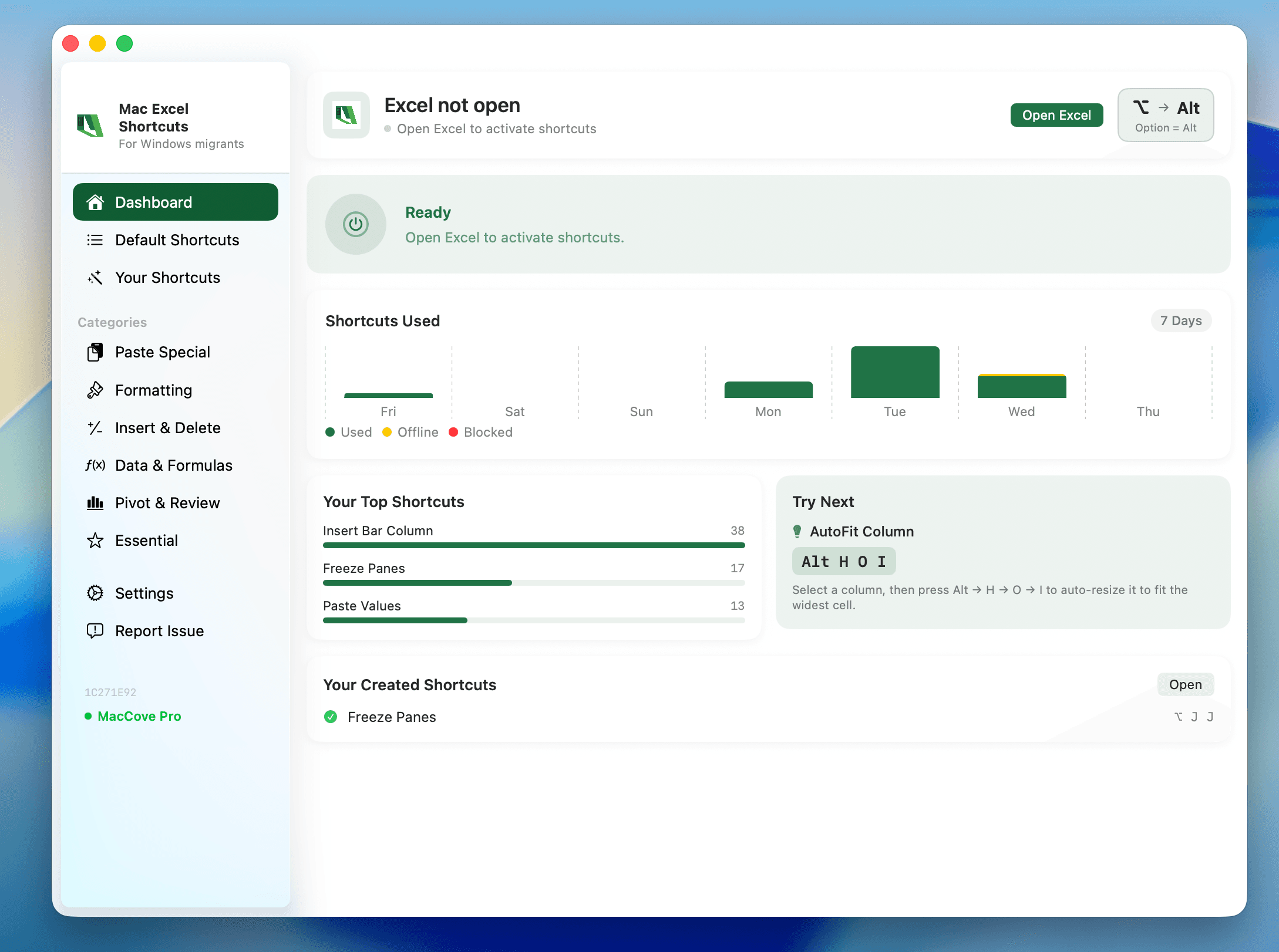
Quick Answer: A single printable page you can tape next to your monitor during your first month on Mac Excel — organized by task (not alphabetically) so you can find "how do I filter" or "how do I freeze a row" in under two seconds. Content is sourced from the Complete Mac Excel Shortcut Cheat Sheet; this page describes the printable asset and offers it as a download. For the handful of shortcuts this sheet can't give you, like Remove Duplicates, which has no default keyboard shortcut on either platform, Mac Excel Shortcuts app fills the gap.
Why a printable PDF, when there's already a full functioning app
Screen-switching costs focus. During the first two to three weeks after a Windows-to-Mac switch, the fastest reinforcement loop is glancing at a piece of paper next to your screen, not alt-tabbing to a browser tab. A printed sheet also survives being annotated by hand. Alternatively, you can use Mac Excel Shortcuts app to continue using Windows Excel Shortcuts on Mac.
What the PDF should contain
Page 1 (front) — the daily-use core
A single dense but readable page, grouped by task category rather than alphabetically:
Editing & Selection — copy/paste/undo/redo, select all, extend selection, fill handle behavior
Navigation — jump to edge of data, switch worksheets, go to a specific cell/range
Formatting — Format Cells, bold/italic/underline, number format shortcuts, borders
Formulas — absolute reference toggle, show formulas, AutoSum, function argument insert
AutoFilter toggle stayed on
Ctrl+Shift+L(didn't move to Cmd)File & View — save, print, new sheet, Freeze Panes menu path, zoom
Each row: Shortcut | What it does | Windows equivalent (if different).
Page 2 (back, optional) — the "gotchas" panel
A short callout box covering shortcuts that changed behavior rather than just modifier key:
AutoFilter toggle stayed on
Ctrl+Shift+L(didn't move to Cmd)Redo is
Cmd+Shift+Z, notCmd+YFreeze Panes has no keyboard shortcut on either platform
Ctrl+ArrowbecomesFn+Cmd+Arrow, not justCmd+ArrowRibbon Access Keys have no Mac equivalent
Footer on both pages
QR code / short URL linking back to the full, continuously updated Cheat Sheet article
Small Mac Excel Shortcuts app mention: "Want these shortcuts to actually work the way you expect? Mac Excel Shortcuts app fills the gaps Mac Excel leaves open."
Format specs
Size: US Letter and A4 versions.
Orientation: Portrait, flat is more desk-friendly for taping up.
Color mode: Full color for the web/download version, plus a grayscale-safe version.
Font size: No smaller than 8pt — meant to be read at arm's length while working.
Call to action
The download sits behind a simple email capture: "Get the free printable Mac Excel Shortcuts cheat sheet — one page, every shortcut you'll actually use in your first month."
Suggested placement: end of every migration/transition-themed article on the site, plus a standalone landing page for paid traffic.
Content source note
All shortcut data on this PDF should be pulled directly from the Complete Mac Excel Shortcut Cheat Sheet at generation time rather than maintained separately — that article is the single source of truth.