Copy, Paste and Paste Special Shortcuts on Mac: Finder, Excel, Browsers and More
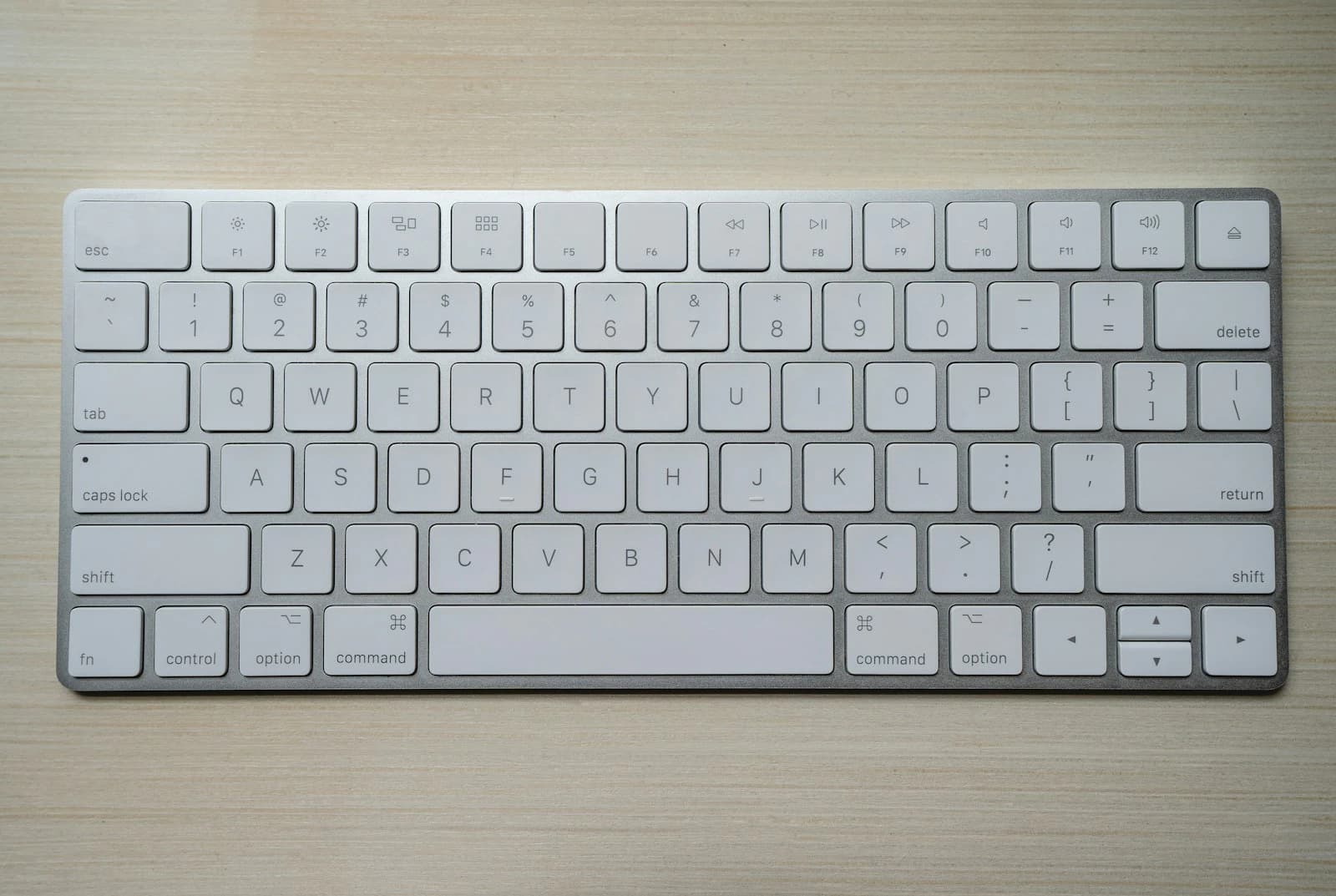
Quick answer: Copy, cut and paste are ⌘C, ⌘X and ⌘V in almost every Mac app. The useful variations are Option+Shift+⌘V (paste and match the destination style), Option+⌘V in Finder (move the copied files instead of copying them), Cmd+Ctrl+V in Excel (Paste Special), and ⌘⇧V for plain text in most browsers and Google Docs.
Windows users expect Ctrl+C, Ctrl+X and Ctrl+V everywhere. On a Mac the same job is done by Command, and each app adds its own paste variations. This guide collects them in one place and links to the deep dives.
The basics
| Action | Windows | Mac |
|---|---|---|
| Copy | Ctrl+C | ⌘C |
| Cut | Ctrl+X | ⌘X |
| Paste | Ctrl+V | ⌘V |
| Undo | Ctrl+Z | ⌘Z |
| Redo | Ctrl+Y | ⌘⇧Z (Excel also accepts ⌘Y) |
Paste variations by app
| Where | Shortcut | What it does |
|---|---|---|
| Most Mac apps (Notes, Mail, Pages, TextEdit) | Option+Shift+⌘V | Paste and Match Style: drops the source formatting |
| Safari | Option+Shift+⌘V | Paste and Match Style |
| Chrome and Firefox | ⌘⇧V | Paste as plain text |
| Google Docs | ⌘⇧V | Paste without formatting |
| Google Sheets | ⌘⇧V | Paste values only |
| Slack | ⌘⇧V | Paste as plain text |
| Finder | Option+⌘V | Move the copied items here instead of copying |
| Excel | Cmd+Ctrl+V | Open the Paste Special dialog |
Moving files in Finder
Finder has no Cut command for files. Instead, copy the file with ⌘C, open the destination folder, and press Option+⌘V. The item is moved rather than copied. If you do this often, a utility such as the FileCutPaste app adds a real Cut for files.
Paste Special in Excel
In Excel for Mac, copy the cells, select the destination, and press Cmd+Ctrl+V to open the Paste Special dialog. Microsoft also lists Ctrl+Option+V and Cmd+Option+V for the same dialog. From there you can paste values, formulas, formats, column widths or a transposed range. The detailed guides are:
Make plain-text paste a single keystroke
If you paste without formatting all day, you can give Paste and Match Style a simpler shortcut:
Open System Settings ▸ Keyboard ▸ Keyboard Shortcuts ▸ App Shortcuts.
Click +, choose All Applications, and type the menu title exactly: Paste and Match Style.
Assign ⌘⇧V.
This works in apps whose Edit menu uses that exact title. Apps that already use ⌘⇧V for something else will keep their own behaviour.
FAQs
What is the Mac shortcut for paste?
⌘V. Copy is ⌘C and cut is ⌘X.
Why can I not cut files in Finder?
Finder only offers Copy for files. Use ⌘C then Option+⌘V to move them.
What is the shortcut for paste without formatting on Mac?
Option+Shift+⌘V in most Mac apps, and ⌘⇧V in most browsers and Google Docs.