What Replaces Ribbon Access Keys in Excel on Mac?
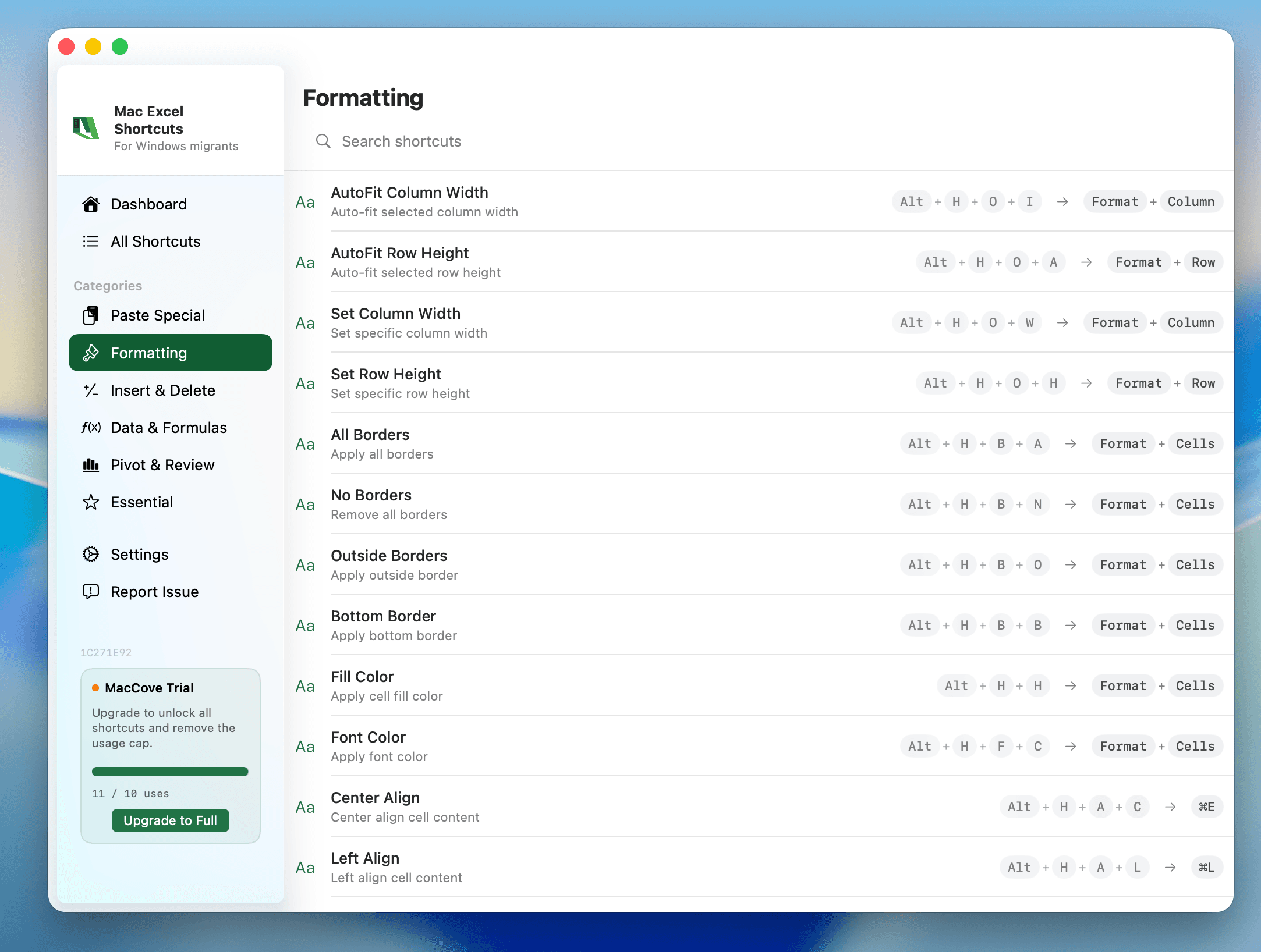
Quick Answer: Windows Excel lets you press
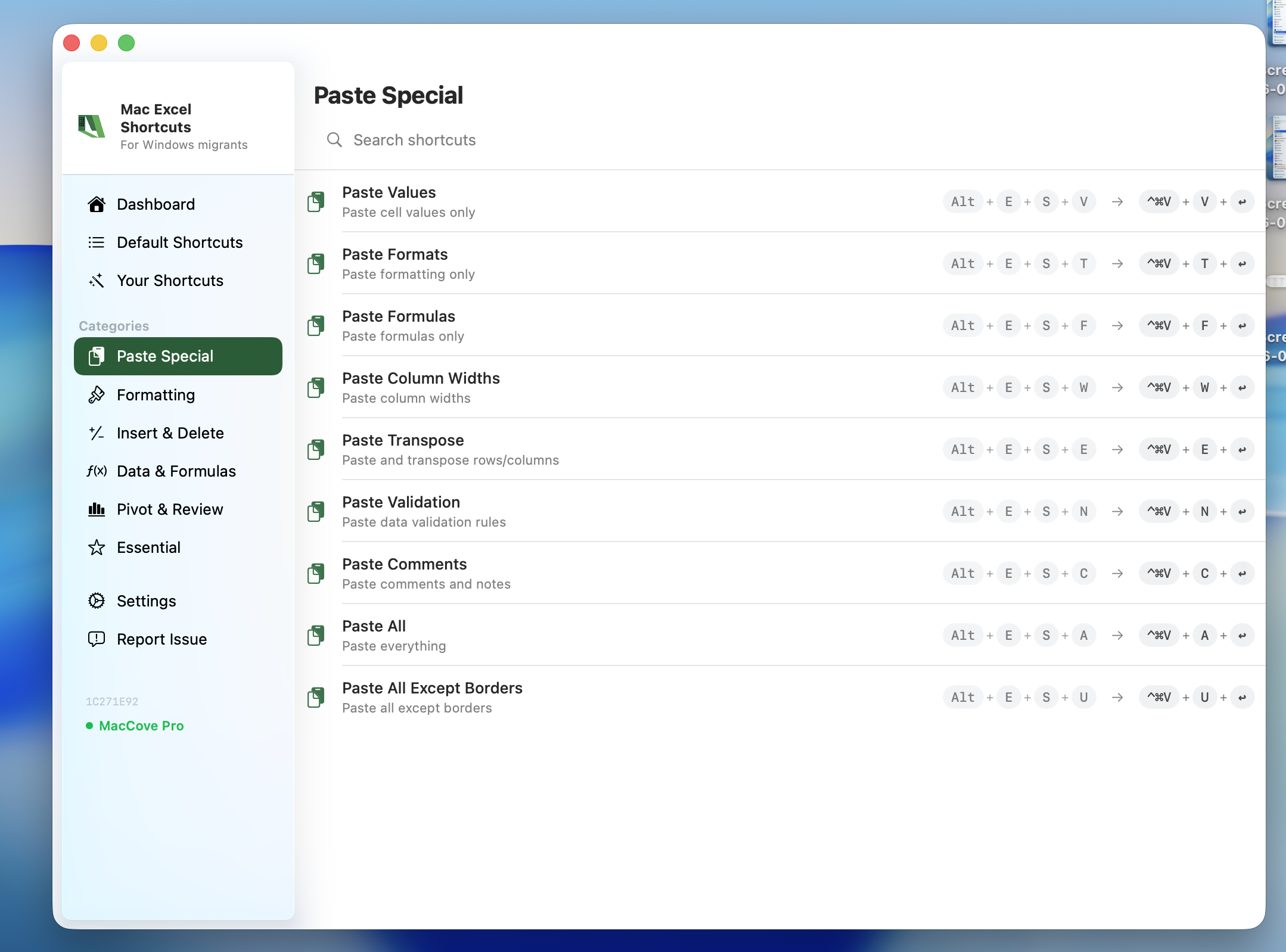
Altthen a letter to "walk" the Ribbon with Access Keys (e.g.,Alt, H, Bfor borders). Mac Excel does not have a full Access Key system — Apple's menu bar and macOS's own keyboard-navigation model replace it. On Mac, your fastest Ribbon-free paths areCmd+F1to show/hide the Ribbon, the native macOS menu bar, and Excel's own Cmd-based shortcuts. Mac Excel Shortcuts app is one of the few ways to get single-keystroke access back for ribbon-only commands like Remove Duplicates that Mac Excel never assigned a shortcut to.
This is a short companion reference. For the full breakdown of every Ribbon tab, see the complete ribbon reference linked below.
Why Mac Excel doesn't have Windows-style Access Keys
On Windows, the Ribbon is deeply wired into the OS's keyboard-accessibility layer — pressing Alt overlays little letter badges on every tab and button, and you chain letters to drill down (Alt, N, V for a PivotTable). Mac Excel's Ribbon is a Microsoft-built control sitting inside an Apple app frame, and it doesn't hook into that same overlay system. Apple's own convention is the menu bar at the top of the screen, which has supported keyboard navigation since classic Mac OS.
Practically, this means: if you're hunting for a specific Ribbon command by memory of its Windows key sequence, stop. It won't work the same way. Use the menu bar or a direct Cmd shortcut instead.
Quick reference table
Cmd+F1— Show or hide the Ribbon (Windows: Ctrl+F1)Fn+Cmd+F1(on some keyboards) — Show/hide Ribbon if F1 is bound to brightnessCmd+1— Open Format Cells, replaces most "Home > Format" Ribbon clicksCmd+Shift+P— Open Font dialog directlyMenu bar → click any top-level menu, then type the underlined letter — navigate any menu command by keyboard (Windows: Alt, [letter sequence])
Control+F2(confirm exact key combo) — Move focus to the menu bar, starting point for keyboard-only navigation
The practical replacement: menu-bar keyboard navigation
Since Access Keys don't exist, the closest Mac-native equivalent for driving everything from the keyboard is:
Press
Control+F2(confirm exact key combo) to send focus to the macOS menu bar.Use the arrow keys to move across top-level menus (File, Edit, View, Insert, Format, Data...).
Press
ReturnorDown Arrowto open a menu, then arrow down to a command and pressReturn.
It's slower than Windows Access Keys for power users. If you find yourself doing this constantly for the same 5–10 commands, it's usually faster to memorize the direct Cmd shortcut or assign a custom shortcut — Mac Excel does not support the same level of shortcut customization as Windows, so this is one of the few real gaps where a utility like Mac Excel Shortcuts app helps: it lets you bind a single keystroke to a command that otherwise takes several Ribbon clicks or a menu crawl.
Common mistakes
Expecting
Altto do anything in Excel on Mac. It doesn't trigger Ribbon badges; it's the modifier used for special characters (Option) instead.Assuming every Ribbon button has a matching Cmd shortcut. Many don't — some commands are genuinely mouse/menu-only on Mac.
Trying to remap F1–F12 before checking System Settings → Keyboard. By default, those keys control brightness/volume on Mac laptops.