What Are the Excel Ribbon Keyboard Shortcuts on Mac?
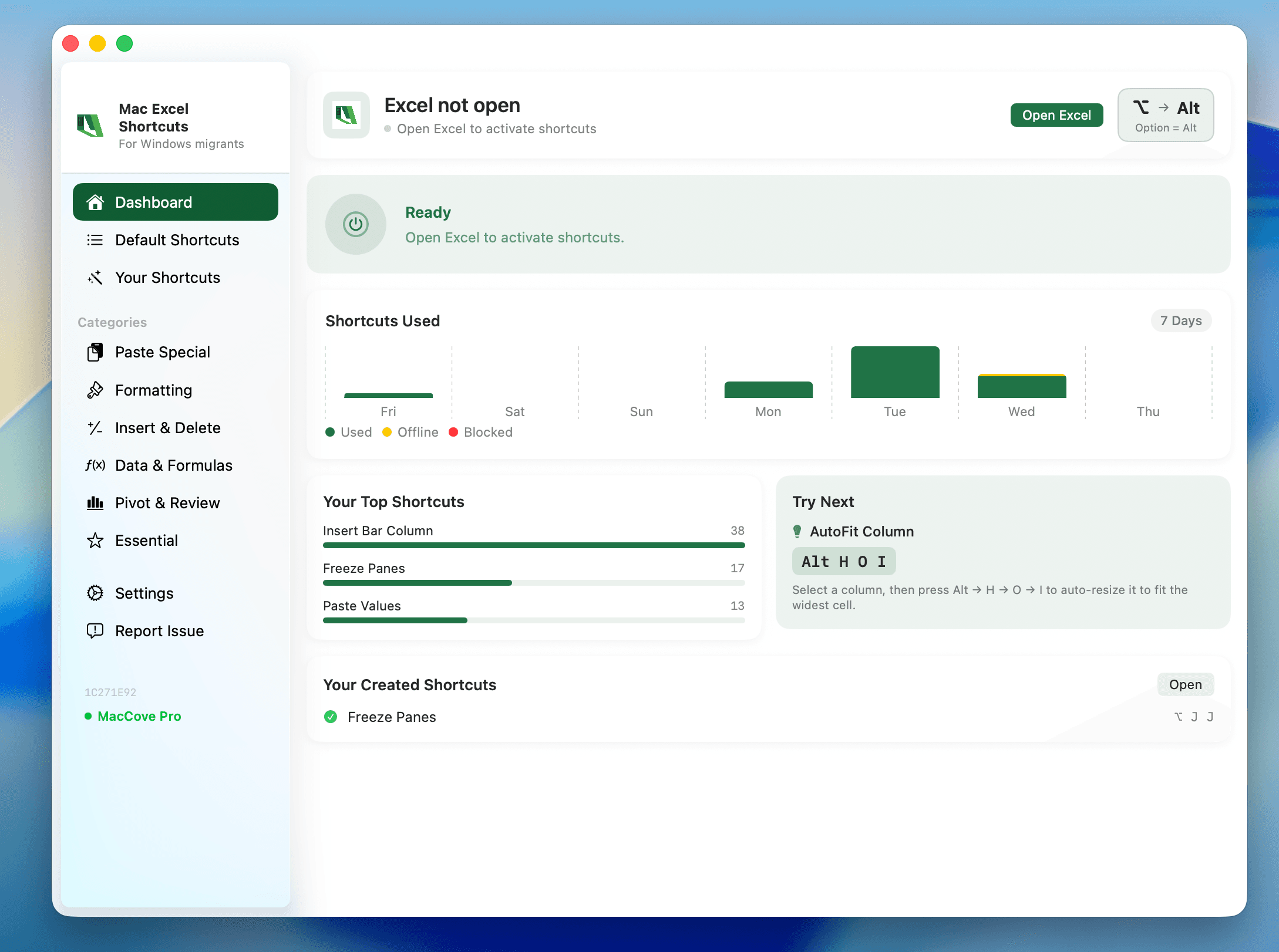
Quick Answer: Excel for Mac doesn't have a full Alt-key sequential ribbon-navigation system the way Windows does. Instead, most ribbon commands are reached through Cmd-based shortcuts, the Home/Insert/Formulas/Data/Review/View tab buttons, or Excel's built-in search. Use the tables below as a searchable reference. Mac Excel Shortcuts app binds a single keystroke to ribbon-only commands like Remove Duplicates, so you're not hunting through tabs for them.
Windows Excel users lean heavily on Alt-key ribbon navigation — pressing Alt reveals letter badges over every ribbon tab and button, letting you chain keystrokes like Alt, H, B for Home → Bold. Mac Excel doesn't replicate this system. This reference organizes the most useful ribbon-equivalent shortcuts by tab so you can search instead of memorize.
Home Tab
Bold:
Cmd+B(Windows: Ctrl+B)Italic:
Cmd+I(Windows: Ctrl+I)Copy/Cut/Paste:
Cmd+C/Cmd+X/Cmd+VPaste Special:
Cmd+Ctrl+V(Windows: Ctrl+Alt+V)Fill Down/Right:
Cmd+D/Cmd+RInsert Cells/Rows/Columns:
Cmd+Shift+=(Windows: Ctrl+Plus)Delete Cells/Rows/Columns:
Cmd+MinusFormat Cells:
Cmd+1
Insert Tab
New Sheet:
Shift+Fn+F11(Windows: Shift+F11)Insert Table:
Cmd+T(Windows: Ctrl+T)Insert Hyperlink:
Cmd+KInsert PivotTable: no default shortcut — ribbon button
Formulas Tab
AutoSum:
Shift+Cmd+T(Windows: Alt+=)Insert Function:
Shift+F3Toggle Formula View:
Cmd+`(Windows: Ctrl+`)Toggle Absolute/Relative Reference:
Fn+F4Trace Precedents: no default shortcut — ribbon button
Data Tab
Filter (Toggle AutoFilter):
Control+Shift+L(kept unchanged from Windows)Group:
Shift+Cmd+KorOption+Shift+Right ArrowUngroup:
Option+Shift+Left ArrowSort: no default shortcut — ribbon button/menu
View Tab
Freeze Panes: no default shortcut — View tab → Freeze Panes
Split Window: no default shortcut — ribbon button
Navigation & General
Select All:
Cmd+AGo To:
Cmd+Fn+F5(or Control+G)Find:
Cmd+FUndo/Redo:
Cmd+Z/Cmd+YSave:
Cmd+SSwitch Between Open Workbooks:
Cmd+`(grave accent)
Why Mac Excel doesn't have Access Keys
On Windows, the Ribbon is deeply wired into the OS's keyboard-accessibility layer. Mac Excel's Ribbon is a Microsoft-built control sitting inside an Apple app frame, and it doesn't hook into that same overlay system. Apple's own convention is the menu bar at the top of the screen, which has supported keyboard navigation since classic Mac OS — Microsoft leaned on that instead of rebuilding Windows-style Access Keys.
FAQs
Is there a way to see letter badges like Windows Alt-key navigation?
No, Mac Excel has no equivalent overlay system. Use the menu bar (click a menu, type the underlined letter) or direct Cmd shortcuts instead.
Why do some ribbon commands have no keyboard shortcut at all?
Microsoft never assigned one — commands like Merge & Center, Conditional Formatting, and Insert PivotTable are ribbon/menu-only on both platforms.