Convert your MacBook into a Mac Mini with ClamShell Mode
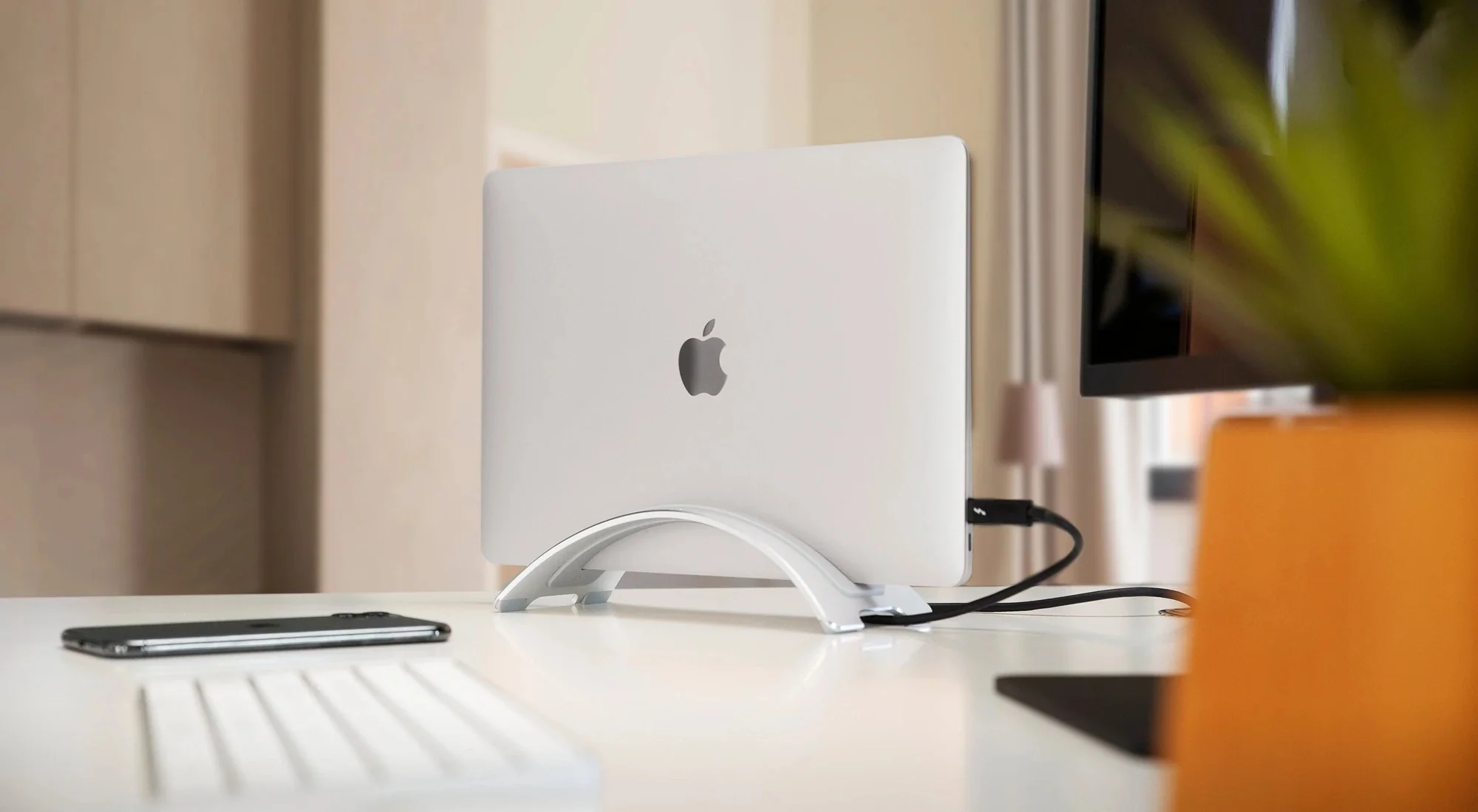
Twelve South BookArc Space-Saving MacBook Stand
Vertical clamshell stand, integrated cable catch, fits up to 16" MacBook
Why Mac users love this
Why this (clamshell mode) is great if you already have a MacBook
Quick Answer: Running your MacBook in clamshell mode gives you the desk-bound power of a Mac Mini without buying a second computer. By connecting a single cable to your external monitor and peripherals, you save money, protect your MacBook's keyboard and screen from daily wear, and can instantly unplug your entire workstation whenever you need to go mobile.
If you have a MacBook, and are looking for a desk or work setup, this is better than great.
Portability: Unplug a single Thunderbolt cable and grab your entire digital workspace, open projects, and local files.
Protects your MacBook: If you are anyways using your MacBook for extensive office or desk work, this setup actually protects your keyboard, trackpad and screen from continuous usage, resulting in longer component life, and avoiding that expensive trip to AppleCare.
Power: Carry your power with you, wherever you go.
Price: Needless to say it is way cheaper than buying a separate Mac Mini.
Ready Backup: Since you already have a MacBook, in case there is a part / accessory which stops working, you always have a backup either way.
| Feature / Aspect | MacBook Pro Setup (Clamshell Mode) | Mac Mini Setup |
|---|---|---|
| Base Hardware Cost | Higher (includes screen, battery, trackpad) - But does not matter if you already own one | Lower (pays strictly for core compute) |
| Peripherals Needed | External Monitor, Keyboard, Mouse, Stand/Dock | External Monitor, Keyboard, Mouse, Webcam |
| Thermal Performance | Good; slight airflow restriction with lid closed | Excellent; dedicated enclosure chassis for sustained loads |
| Battery Health Impact | Constant charging can accelerate long-term wear | None (no internal battery) |
| Portability | Excellent (unplug and go) | None (stationary desktop) |
Few things to consider:
Thermal Performance & Airflow
Operating a MacBook Pro in clamshell mode directs exhaust air near the display hinge, which can cause fans to spin faster under heavy long-term rendering or compilation tasks.
Using a quality vertical stand elevates the chassis to assist passive airflow, but a Mac mini features dedicated internal cooling designed specifically for desktop thermal profiles.
Multi-Monitor Support
Closing the lid disables the MacBook's internal screen, which frees up system resources to drive additional external displays on supported Apple Silicon chips.
Macworld
A Mac mini natively supports multiple displays without sacrificing an active screen.
Very artistic looking, highly functional, vertically well-balanced — saves space when connected to external monitors.
You might also like
 Dock & Hubs🇮🇳
Connect 3 screens and more to Mac, keep Mac wirefree
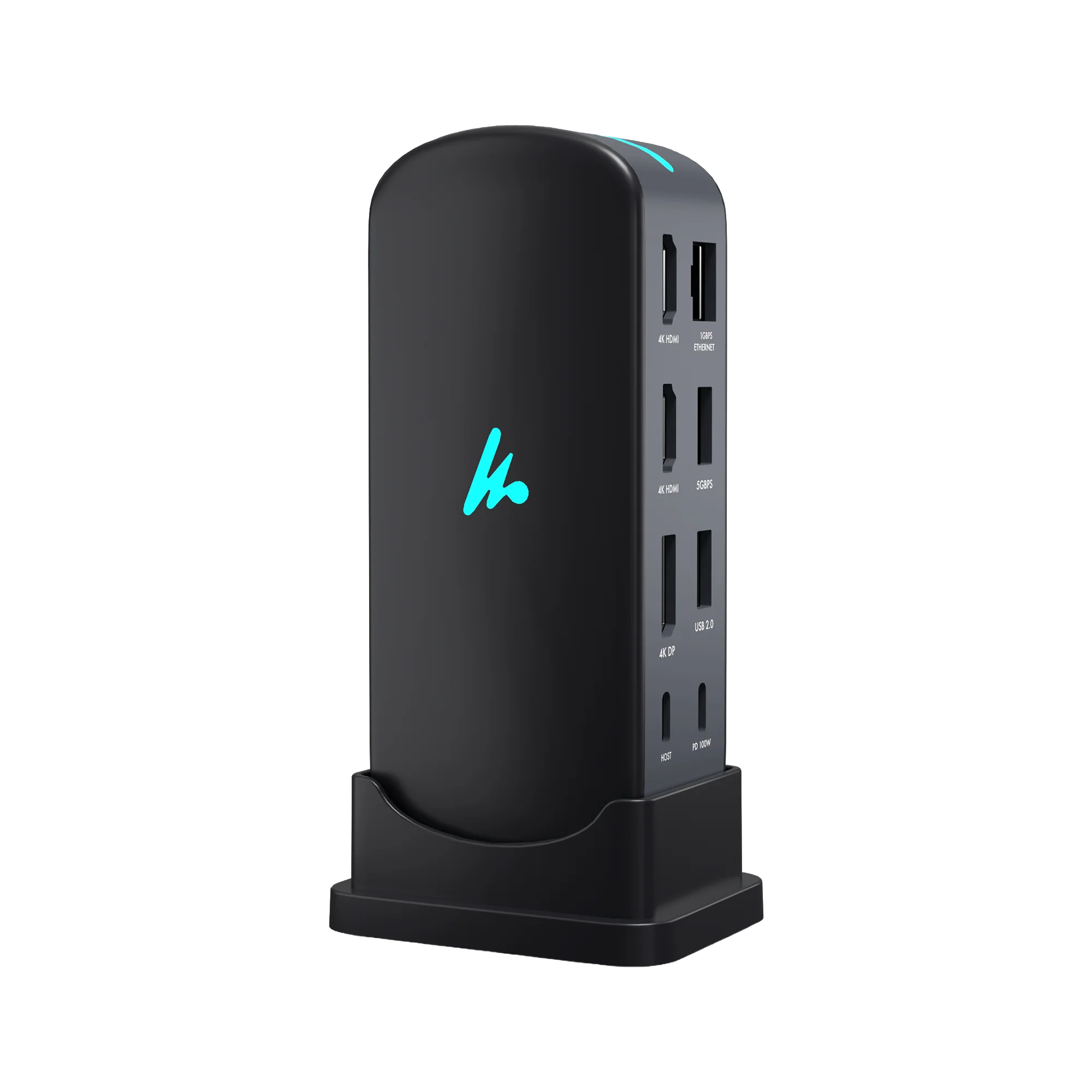
Wozoyo Type C 14-in-1 Docking Station, Series 1
The Wozoyo 14-in-1 USB-C Docking Station is an all-in-one productivity hub that connects your laptop to triple 4K displays, high-speed 10Gbps data ports, 100W power, and Gigabit Ethernet through a single cable to keep your workspace organized and efficient.
I am extremely satisfied with the Wozoyo 5-in-1 Docking Station. It has worked flawlessly with my iPhone 17 and Macbook and has made transferring files and connecting to external devices very convenient.
 Other🇮🇳
Sleekest way to carry your online wealth
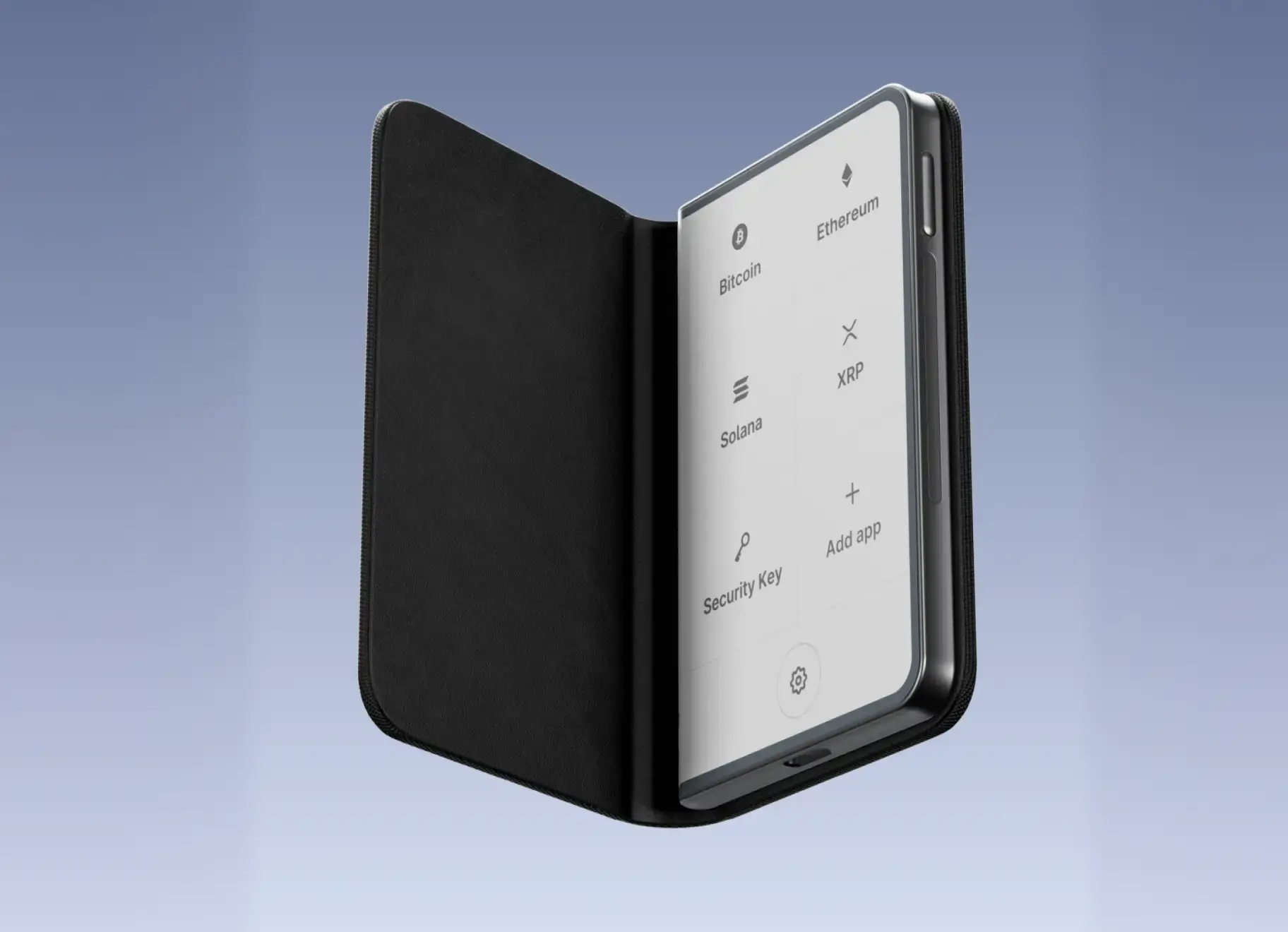
Ledger STAX - Premium Touchscreen Signer for Secure Crypto Management
The most elegant touchscreen signer for a premium crypto experience from every angle
The Ledger Stax delivers a strong balance between security architecture and modern usability. It leverages a CC EAL5+ certified Secure Element chip, ensuring private keys remain isolated from the host environment and resistant to physical and software-based attacks.
 Charging & Power🇮🇳
Mega power bank for all you and your family's devices including your Mac
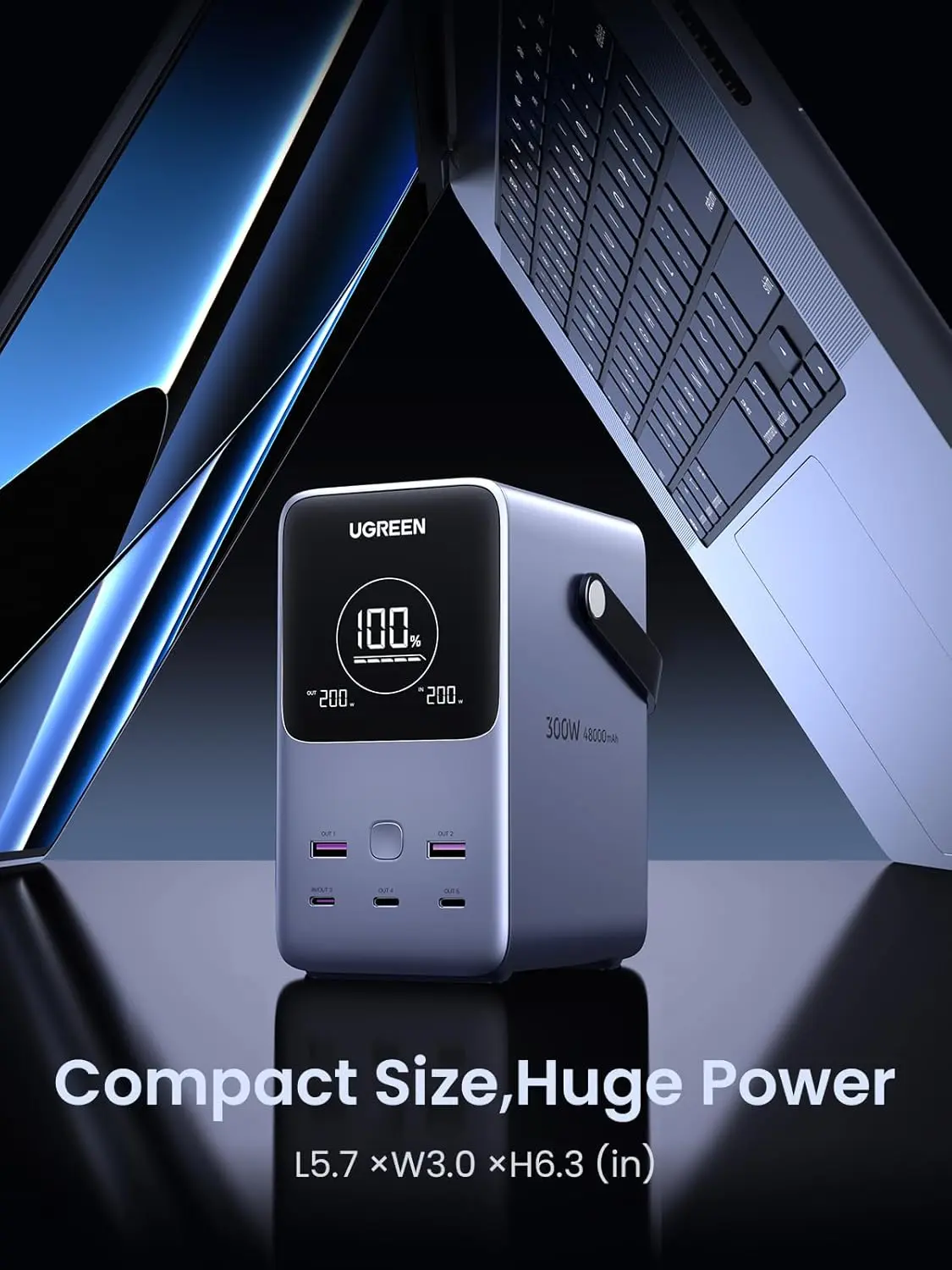
UGREEN 300W 48,000mAh Portable Charger Power Bank with Smart Digital Display, Lighting and SOS Mode, 153Wh 5 Ports USB C Battery Pack
The UGREEN 25286 provides 5 output ports for multi-device charging, featuring two USB-A ports at 22.5W max, one USB-C input/output port at 140W max, and two USB-C output ports at 100W max, with total output up to 300W.
Small and compact ...supports macbooks 2.0 with appropriate cable wattage and protocols. Build quality is top notch ...sleek ...elegant. Extra light feature is a bonus ..its dimmable in 3 steps.
Only con: Cannot be carried in a flight.