Alt vs Option Key on a Mac: What's the Difference?
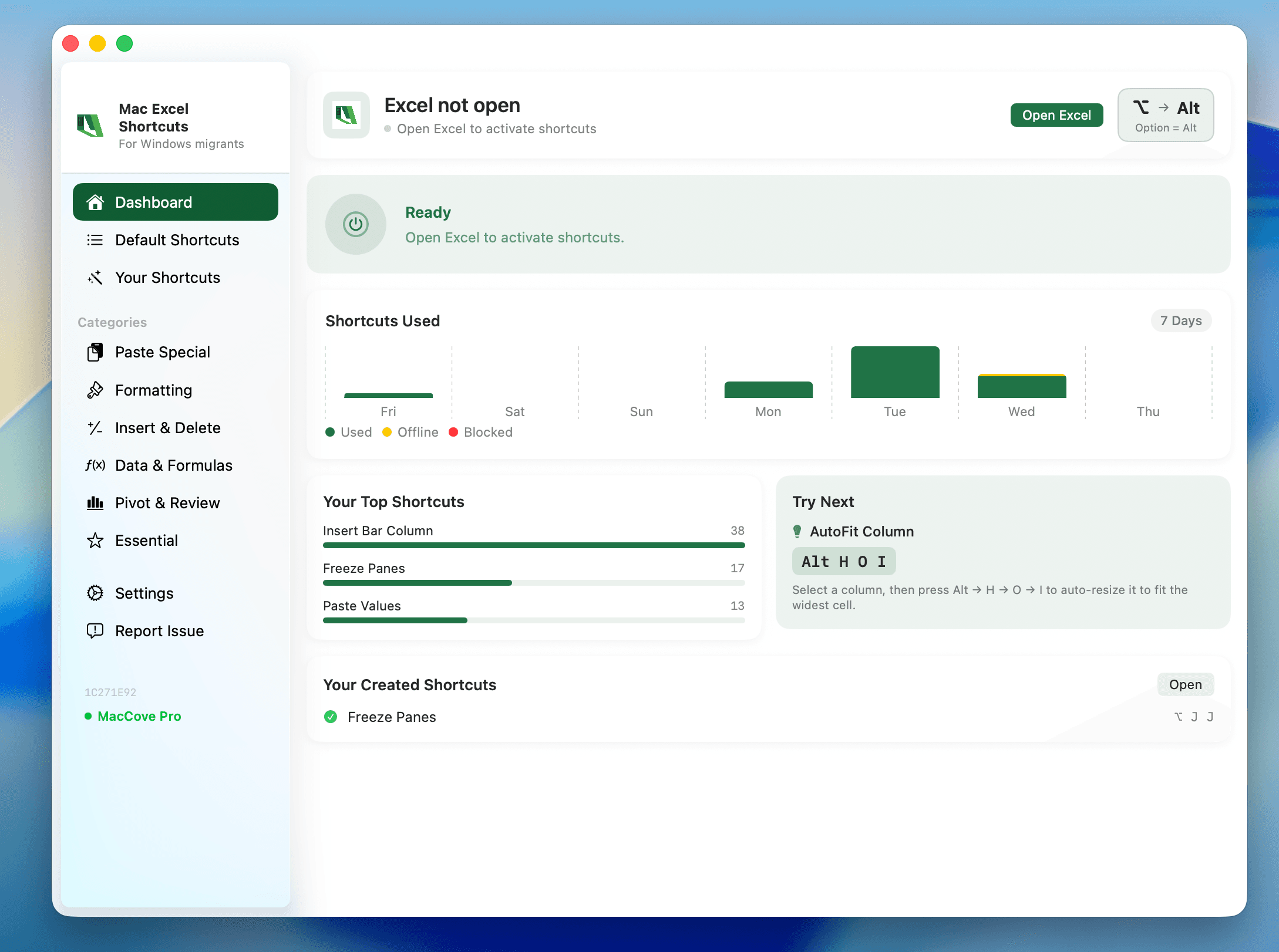
Quick answer: On a Mac, Alt and Option are the same key. Apple keyboards print Option and the symbol ⌥; keyboards built for Windows print Alt. When a Mac shortcut is written with ⌥, press the key labelled Option (or Alt on a non-Apple keyboard). The names are interchangeable; the behaviour is not always the same as Windows Alt.
Why there are two names
Apple has called this key Option since the 1980s. The symbol ⌥ — a track splitting in two — signals "take the alternate path". Keyboard makers that target both platforms often print Alt so Windows users recognise it.
| Keyboard | What the key is printed with | Position |
|---|---|---|
| Apple Magic Keyboard / MacBook | option and ⌥ | Both sides of the space bar |
| Keyboard built for Windows | Alt | Left of the space bar (acts as Option) |
| Some third-party Mac keyboards | alt option ⌥ | Both sides of the space bar |
What the key actually does on a Mac
Types alternate characters. Option+G is the copyright sign; Option+E then E is é; Option+Shift+K is the Apple logo.
Reveals alternate menu items. Hold Option with a menu open and some commands change (Finder's Copy becomes Copy as Pathname).
Modifies clicks and drags. Option-drag a file to duplicate it; Option-click a disclosure triangle to expand everything inside it.
Acts as a shortcut modifier in combinations the app defines, such as ⌥⌘V for Paste and Match Style.
Where it differs from Windows Alt
Windows Alt opens menus and Ribbon KeyTips on a single tap. Option does not. In Excel for Mac, tapping Option does nothing — there is no KeyTips layer to activate. That is the biggest surprise for people moving from Windows Excel, and it is covered in Why Excel keyboard shortcuts do not work on Mac.
| Task | Windows Alt | Mac Option |
|---|---|---|
| Open the menu bar | Tap Alt | Not supported (use ⌃F2) |
| Open Ribbon KeyTips in Excel | Tap Alt, then letters | Not supported |
| Switch apps | Alt+Tab | Use ⌘Tab instead |
| Type an accent or symbol | Alt + numeric code | Option + a letter |
| Duplicate a file while dragging | Ctrl+drag | Option-drag |
Getting Alt-style behaviour in Excel
If your Windows habit is to tap Alt and type a Ribbon route — Alt, H, O, I to AutoFit column width, for example — the Mac Excel Shortcuts app adds those sequential accelerators to Excel for Mac. It does not change what the Option key does elsewhere; it restores the Ribbon sequences inside Excel. For the manual alternatives, see What replaces Ribbon access keys in Excel on Mac?
FAQs
If I press Alt on a Windows keyboard connected to my Mac, what happens?
It behaves as Option. The key with the Windows logo behaves as Command. You can swap them in System Settings ▸ Keyboard ▸ Modifier Keys if the physical order bothers you.
Does the left Option key differ from the right one?
No. Both do the same thing in almost every app.
Why do some Mac guides say "Alt" instead of "Option"?
They are writing for a mixed audience. Treat any instruction that says "press Alt" on a Mac as "press Option".
What is the ⌥ symbol called?
Officially the Option key symbol. Informally people call it the switch or the ramp.