Where Is the Alt Key on a Mac Keyboard? (And How to Use It in Excel)
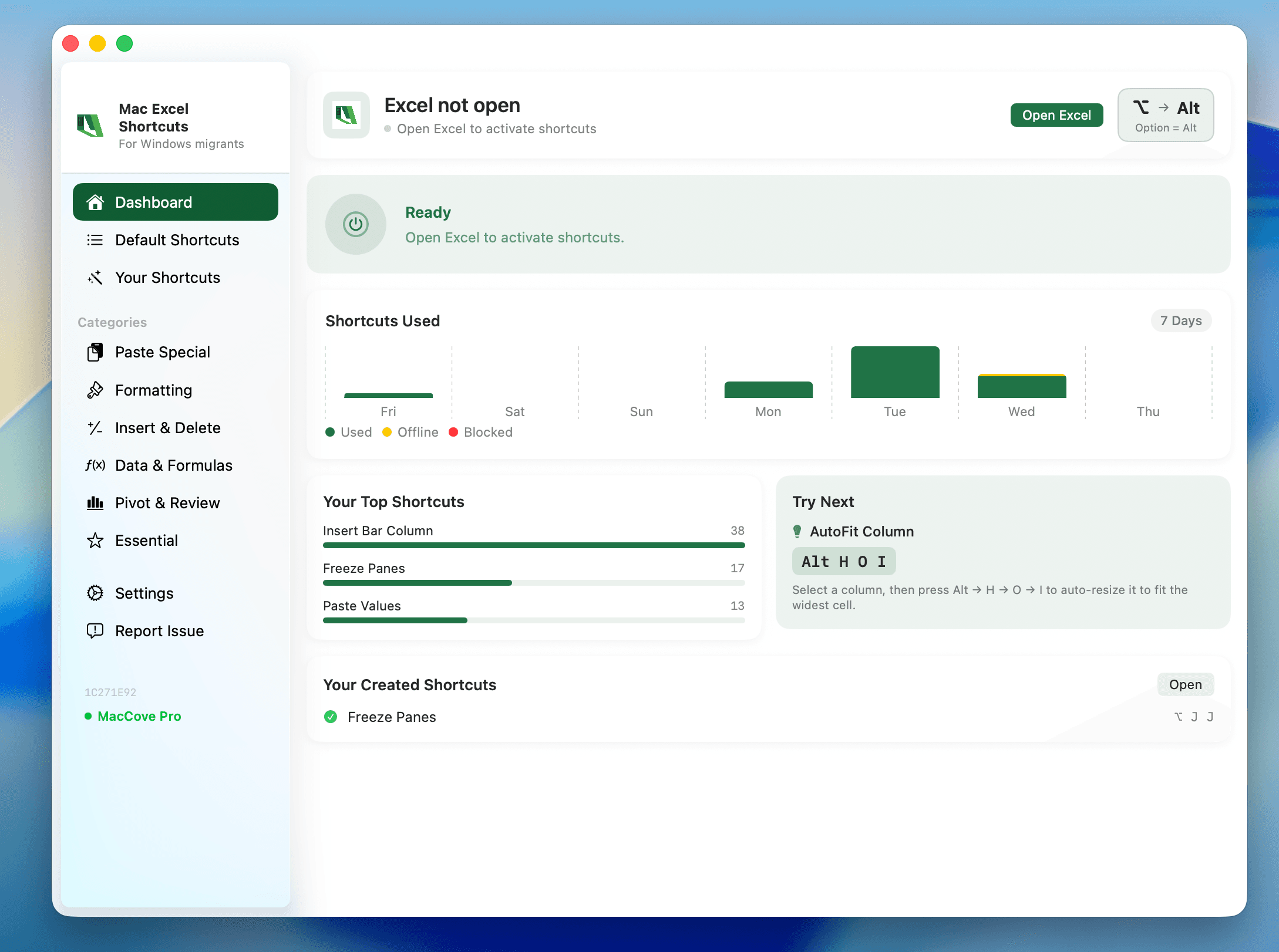
If you have moved from Windows to a Mac, the missing Alt label can make familiar shortcuts feel unexpectedly hard to find. The key you want is usually called Option on a Mac, and it is marked with the symbol ⌥. It sits on either side of the space bar—between Control (⌃) and Command (⌘) on a standard Apple keyboard.
Quick answer: On a Mac, the closest equivalent to the Windows Alt key is the Option (⌥) key. Look immediately to the left or right of the space bar. For common Excel shortcuts, however, the Mac equivalent may use Command (⌘) or Control (⌃) instead of Option; do not replace Alt with Option blindly.
Windows behaviour: what the Alt key does
On a Windows keyboard, Alt is a modifier key: you hold it with another key to create a shortcut. In Excel, it also opens Ribbon KeyTips, letting you run commands in sequence. For example, Alt, H, V, V is the familiar Windows Excel sequence for Paste Values.
That makes Alt do two related jobs:
it modifies shortcuts such as Alt+Tab to switch apps; and
it starts menu or Ribbon navigation in applications such as Excel.
On a Mac, those jobs are split differently. macOS uses Command for many everyday app shortcuts, while Option modifies typing and some system or app actions. Excel for Mac does not natively expose Windows-style Ribbon KeyTips when you press Option.
Mac behaviour: the Alt key is named Option
Apple labels the key Option, not Alt. Its symbol is ⌥, which resembles a small ramp. You may see any of these markings, depending on the keyboard:
| Keyboard type | What the key may say | Where to find it |
|---|---|---|
| Apple Magic Keyboard | option and ⌥ | On both sides of the space bar |
| MacBook keyboard | option and ⌥ | On both sides of the space bar |
| Third-party Mac keyboard | alt, option, or both | Beside the space bar |
| Windows-layout keyboard connected to a Mac | Alt | Usually maps to Option in macOS |
The left-hand Option key is normally between Control and Command. The right-hand Option key is normally between Command and the arrow-key area. Either Option key usually works the same way.
Why Apple calls it Option
The name describes what the key does: it selects an alternate option. While typing, Option can produce extra characters; for example, Option+E, then E creates `é` on many keyboard layouts. In apps, it can reveal alternate menu commands or change the effect of a click.
That is why Option is not always a literal replacement for Windows Alt. The position is comparable, but macOS assigns common shortcuts differently.
Windows-to-Mac shortcut mapping
Use this table as a starting point when you are translating muscle memory. The task—not the key name—is what matters.
| Windows key or shortcut | Typical Mac equivalent | What it does |
|---|---|---|
| Alt | Option (⌥) | Alternate characters and app-specific modifier actions |
| Ctrl+C | ⌘C | Copy |
| Ctrl+V | ⌘V | Paste |
| Ctrl+X | ⌘X | Cut |
| Ctrl+Z | ⌘Z | Undo |
| Alt+Tab | ⌘Tab | Switch apps |
| Alt+F4 | ⌘Q | Quit the current app |
| Alt+Left / Alt+Right | ⌘[ / ⌘] | Back / forward in many apps |
| Ctrl+Alt+Delete | ⌥⌘Esc | Open Force Quit Applications |
The first five rows are the adjustment most people feel immediately: Mac shortcuts generally use Command, which is the key with ⌘ on it, rather than Option.
The common frustration: Option does not open Excel Ribbon shortcuts
If you are used to pressing Alt in Windows Excel and seeing letters appear on the Ribbon, pressing Option in Excel for Mac will not recreate that experience. Nothing is wrong with your keyboard. Excel for Mac is designed around Mac-native shortcuts, menus, and mouse or trackpad controls rather than Windows Ribbon KeyTips.
For example:
| Excel task | Excel for Windows | Native Excel for Mac |
|---|---|---|
| Copy | Ctrl+C | ⌘C |
| Paste | Ctrl+V | ⌘V |
| Undo | Ctrl+Z | ⌘Z |
| Toggle filter | Ctrl+Shift+L | ⌘⇧L |
| Open Paste Special | Ctrl+Alt+V | ⌃⌘V |
| Paste Values | Alt, H, V, V | ⌃⌘V, then V, Return |
The Mac Paste Values method opens the Paste Special dialog first, then selects Values. It is a different interaction, not a failed Alt-key shortcut.
Better Mac-native workflow for Excel
Start with the command you want to run, then choose the method that matches how often you use it.
1. Use native keyboard shortcuts for frequent actions
Learn ⌘C, ⌘V, ⌘X, ⌘Z, ⌘S, ⌘F, and ⌘⇧L first. They are fast, built into Excel for Mac, and work without any extra setup.
For Paste Values, copy the cells, select the destination, press ⌃⌘V, press V, then press Return. See the detailed Paste Values guide if you need alternatives such as formulas, formats, or transpose.
2. Use the Ribbon when you need to see the available choices
Select the relevant cells, then open the tab that matches the task. For example, choose Home → Paste ▼ → Values to paste values. The Ribbon is especially useful while you are learning because it shows nearby commands and prevents an incorrect shortcut from changing data.
3. Use the mouse or trackpad for local actions
Right-click a selected range to find local commands such as copy, paste, insert, delete, sort, and formatting. On a trackpad, use a two-finger click if that is enabled in macOS. This is often quicker than moving to the Ribbon for a one-off edit.
4. Use MacCove when you need Windows-style Excel sequences
MacCove's Mac Excel Shortcuts app is useful when the Windows Excel Alt sequences are already part of your working memory. It lets you use familiar sequential commands in Excel for Mac, rather than requiring you to translate every Ribbon route manually.
For example, after copying cells and selecting a destination, use Alt, E, S, V in MacCove for Paste Values. This is a MacCove workflow, not a built-in Excel for Mac shortcut. Enable the required Accessibility and Input Monitoring permissions before depending on it in a production workflow.
| Need | Native Excel for Mac | MacCove sequence |
|---|---|---|
| Paste Values | ⌃⌘V, V, Return | Alt, E, S, V |
| Paste Formats | Paste Special → Formats | Alt, E, S, T |
| Paste Formulas | Paste Special → Formulas | Alt, E, S, F |
| Paste Transpose | Paste Special → Transpose | Alt, E, S, E |
A real-world example: moving a Windows Excel workflow to Mac
Imagine you prepare a monthly report and routinely turn formulas into fixed results before sending it. On Windows, your habit may be Alt, H, V, V. On a Mac, pressing Option, H, V, V will not open the Ribbon.
Use one of these routes instead:
Mac-native: copy the final formulas, select the destination, then press ⌃⌘V, V, Return.
Visual: select Home → Paste ▼ → Values.
Windows-style with MacCove: use the sequence that your MacCove configuration provides, such as Alt, E, S, V.
After pasting, click one result and look in the formula bar. A fixed value such as `12450` confirms the formula is no longer live. Keep a formula-driven copy of the workbook if you need to recalculate the report later.
Common mistakes
Pressing Command when an Option shortcut is required
Command handles most familiar copy, paste, save, and undo actions. But some macOS and app-specific commands really do require Option. Look for the ⌥ symbol in the shortcut label instead of assuming every Windows Ctrl shortcut became Command.
Treating Option as a universal Alt replacement
Option is physically analogous to Alt, but its software behaviour is not identical. A Windows Alt+letter command may become a Command shortcut, a Control shortcut, a menu action, or no direct shortcut on Mac.
Using the wrong key on a non-Apple keyboard
If you connected a Windows keyboard to your Mac, the key labelled Alt generally acts as Option. The key labelled with the Windows logo generally acts as Command. Test a harmless shortcut such as copy before using a high-impact command in a workbook.
Confusing the Option symbol with Control
Option is ⌥. Control is ⌃. In Excel, ⌃⌘V means hold Control and Command together, not Option and Command.
Expecting function keys to work without fn
On many Mac laptops, the top-row keys control brightness, volume, and media by default. Hold fn when Excel needs a function key, or change the keyboard setting to make F1–F12 act as standard function keys.
FAQs
Where is the Alt key on a MacBook?
It is the Option (⌥) key immediately beside the space bar. There is usually one on the left and one on the right.
Is Option the same as Alt on Mac?
Option is the Mac key in the Alt position and is usually the equivalent modifier for system-level purposes. But individual app shortcuts can differ, so check the Mac version of the shortcut instead of replacing Alt automatically.
Why does Option+letter type a symbol instead of running a shortcut?
Option is also used to type alternate characters. If the active app does not assign that Option combination to a command, macOS may enter a special character or accent instead.
What is Alt+F4 on a Mac?
Use ⌘Q to quit an application. Use ⌘W to close its current window or document. These are not always interchangeable: closing the last window can leave a Mac app running.
What is Ctrl+Alt+Delete on a Mac?
Press ⌥⌘Esc to open the Force Quit Applications window.
Can I use Windows Excel Alt shortcuts on Mac?
Not natively through the Option key. Use Mac-native Excel shortcuts, the Ribbon, or MacCove if you want a Windows-style sequential Excel workflow.